Home>AI> How to Turn Your Day Photo into a Realistic Moonlit Night Photo Using ChatGPT & Google Gemini?
How to Turn Your Day Photo into a Realistic Moonlit Night Photo Using ChatGPT & Google Gemini?
By EDITORIAL STAFF • June 2, 2026 • 469496 Views • No Comments
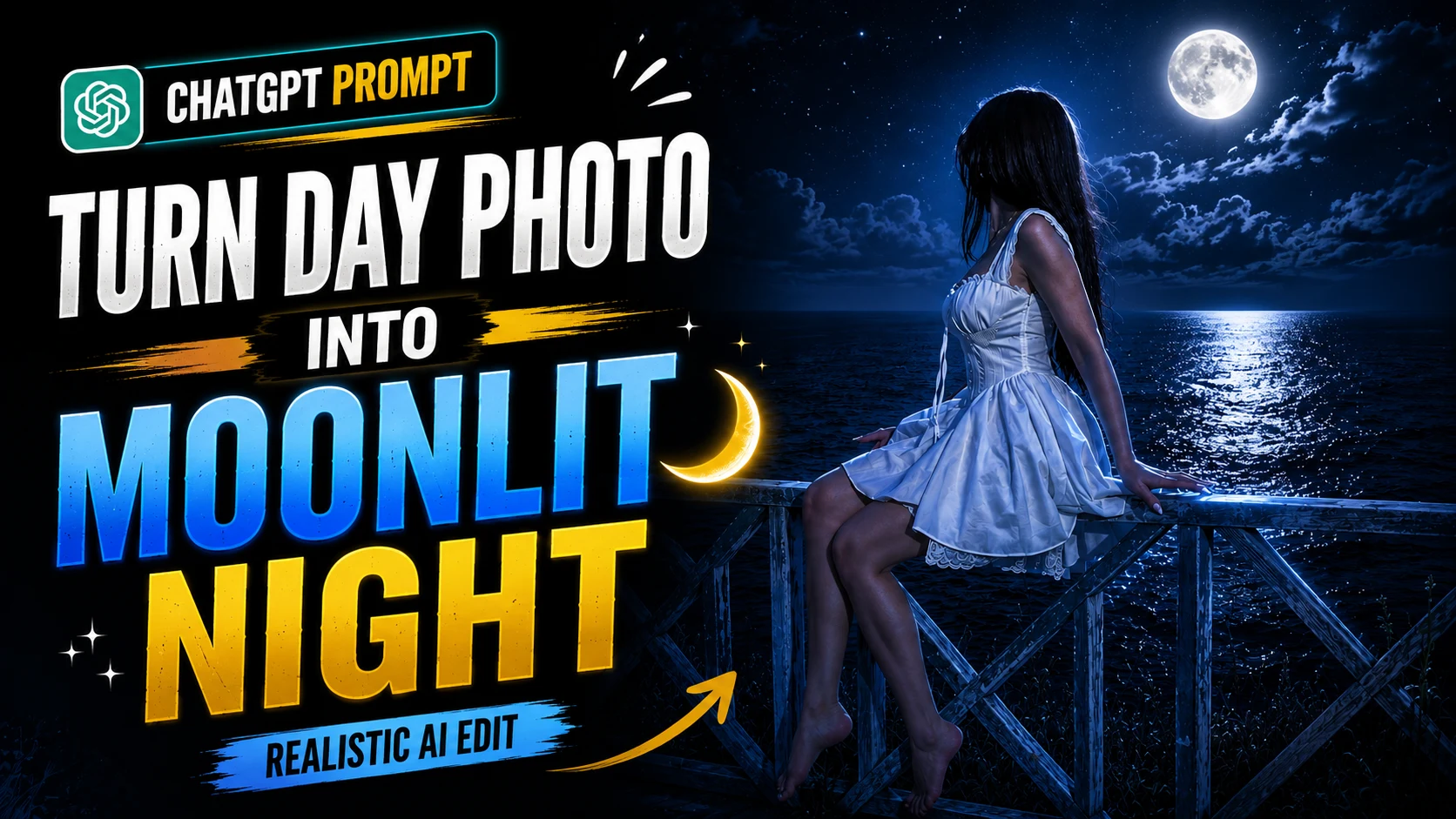
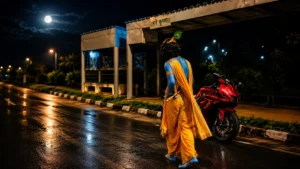
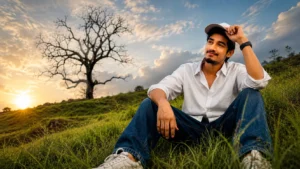
Nowadays, AI photo editing has made it possible to transform ordinary photos into professional-looking images within seconds. One of the most popular editing styles is converting a daytime photo into a realistic night scene with stars and a bright moon in the sky.
However, most AI tools often create unwanted changes while generating the image. They may modify the face, background, clothes, or even the location of the photo. Therefore, many users look for a prompt that can create a realistic night effect without changing the original image.
If you are facing the same problem, then the Moonlit Night Sky AI Photo Editing Prompt can help you.
This article will explain everything about the prompt and how you can use it to create realistic moonlit night photos.
What is the Moonlit Night Sky AI Photo Editing Prompt?
The Moonlit Night Sky AI Photo Editing Prompt is a specially designed AI prompt that transforms the sky portion of an image into a realistic night sky while preserving all important details of the original photograph.
The prompt ensures that the AI does not modify:
Face and facial features
Skin tone
Hairstyle
Clothing
Body shape
Pose
Background
Roads and sidewalks
Trees and vegetation
Camera angle and composition
Instead, it only enhances the sky by adding realistic stars and a naturally illuminated full moon.
How to Use the Moonlit Night Sky AI Prompt?
Below we have provided a step-by-step guide to use this prompt.
Step 1: Upload Your Image
Open ChatGPT, Google Gemini, or your preferred AI image editing tool and upload the original image that you want to edit.
Step 2: Copy the Prompt
Copy the complete Moonlit Night Sky AI Photo Editing Prompt.
Step 3: Paste the Prompt
Paste the prompt along with the uploaded image.
Step 4: Generate the Image
Allow the AI to process the image and create the edited version.
Step 5: Download the Result
Once the image is generated, review the result and download the version you prefer.
Following these simple steps, you can easily create a realistic moonlit night photograph.
Advertisement
Moonlit Night Sky AI Photo Editing Prompt
Use the prompt given below and upload your image to generate a realistic moonlit night photo while preserving the original face, location, and image composition.
Use the uploaded image as the reference. Preserve the original location exactly as it appears in the reference photo. Do not replace, alter, remove, move, or redesign any background elements. Keep the same road, sidewalk, electric poles, vegetation, street layout, perspective, depth, camera angle, framing, and composition exactly identical to the original image. Maintain the same subject position and environmental structure.
Keep the subject 100% unchanged, including the exact face, facial features, expression, hairstyle, skin tone, body shape, clothing, accessories, pose, hand placement, and proportions. Do not beautify, retouch, age-shift, or modify any part of the subject.
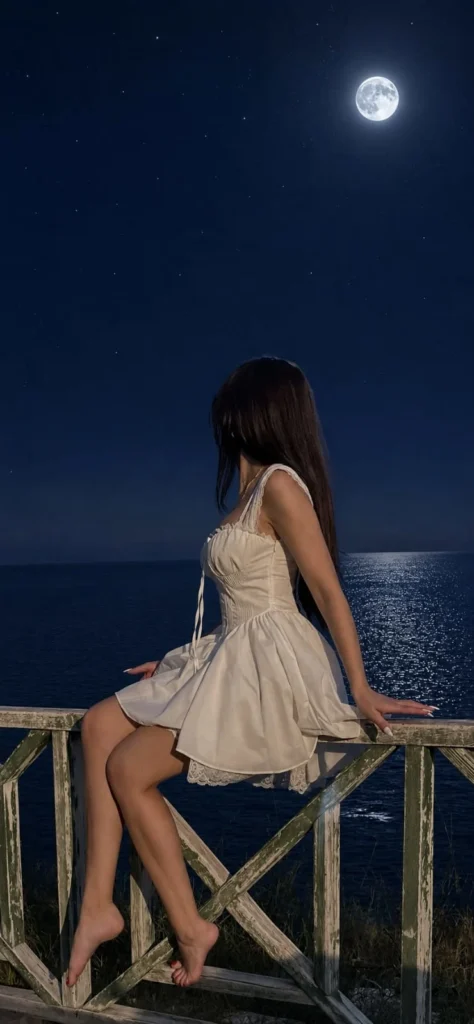
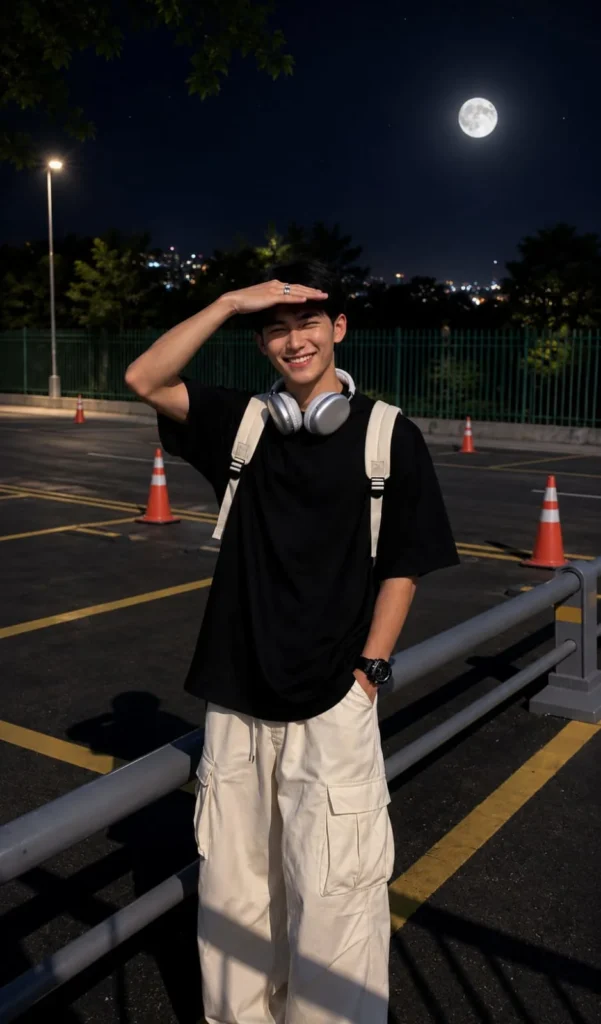
Enhance only the sky portion of the image. Transform the existing sky into a realistic deep midnight-blue night sky with naturally scattered stars and a realistically sized bright full moon positioned high in the sky. The moon should look naturally photographed, not digitally added, with subtle atmospheric glow and realistic brightness. Maintain natural moonlight consistency with the existing environment.
Create the appearance of an authentic iPhone 16 Pro Max Night Mode photograph. Use realistic exposure, balanced highlights and shadows, accurate skin tones, subtle sensor grain, natural dynamic range, realistic light falloff, soft lens bloom around bright light sources, gentle depth of field, and believable nighttime ambience. The final result should look like a genuine outdoor photo captured at night on an iPhone, not an edited image or AI-generated artwork.
Ultra photorealistic, raw smartphone photography, natural moonlight, cinematic realism, realistic atmospheric depth, seamless sky enhancement, true-to-life colors, realistic sharpness, natural background blur, high detail, professional mobile photography, social media quality, authentic night scene, vertical portrait composition, 9:16 aspect ratio.
Use the uploaded image as the reference. Preserve the original location exactly as it appears in the reference photo. Do not replace, alter, remove, move, or redesign any background elements. Keep the same road, sidewalk, electric poles, vegetation, street layout, perspective, depth, camera angle, framing, and composition exactly identical to the original image. Maintain the same subject position and environmental structure.
Keep the subject 100% unchanged, including the exact face, facial features, expression, hairstyle, skin tone, body shape, clothing, accessories, pose, hand placement, and proportions. Do not beautify, retouch, age-shift, or modify any part of the subject.
Enhance only the sky portion of the image. Transform the existing sky into a realistic deep midnight-blue night sky with naturally scattered stars and a realistically sized bright full moon positioned high in the sky. The moon should look naturally photographed, not digitally added, with subtle atmospheric glow and realistic brightness. Maintain natural moonlight consistency with the existing environment.
Create the appearance of an authentic iPhone 16 Pro Max Night Mode photograph. Use realistic exposure, balanced highlights and shadows, accurate skin tones, subtle sensor grain, natural dynamic range, realistic light falloff, soft lens bloom around bright light sources, gentle depth of field, and believable nighttime ambience. The final result should look like a genuine outdoor photo captured at night on an iPhone, not an edited image or AI-generated artwork.
Ultra photorealistic, raw smartphone photography, natural moonlight, cinematic realism, realistic atmospheric depth, seamless sky enhancement, true-to-life colors, realistic sharpness, natural background blur, high detail, professional mobile photography, social media quality, authentic night scene, vertical portrait composition, 9:16 aspect ratio.
Features of the Moonlit Night Sky AI Prompt
Some of the major features of this prompt are:
Realistic night sky generation
Natural stars and moon
Original face preservation
Unchanged background
Authentic smartphone photography look
Social media-ready results
Cinematic night atmosphere
High-quality image output
Why Should You Use This Prompt?
The biggest advantage of this prompt is that it focuses on preserving the original image.
Most AI prompts describe only what should be added. This prompt also clearly specifies what should not be changed.
As a result, the final image looks much more natural and realistic.
Whether you are creating content for Instagram, Facebook, WhatsApp, YouTube, or personal projects, this prompt can help you generate realistic night-time photos without affecting the original composition of the image.
Final Thoughts
In conclusion, the Moonlit Night Sky AI Photo Editing Prompt is a simple and effective solution for transforming ordinary daytime photos into realistic night scenes. It preserves the original image details while creating a beautiful moonlit atmosphere that looks natural and professional.
If you enjoy creating realistic AI-edited photos, this prompt is definitely worth trying.
Eliza is a content writer who has a passion for exploring different genres of literature and music. Her professional expertise lies in the field of India geopolitics and technology relations. She has a keen eye for detail and a natural ability to distill complex ideas into simple, easy-to-understand language.




Leave a Reply