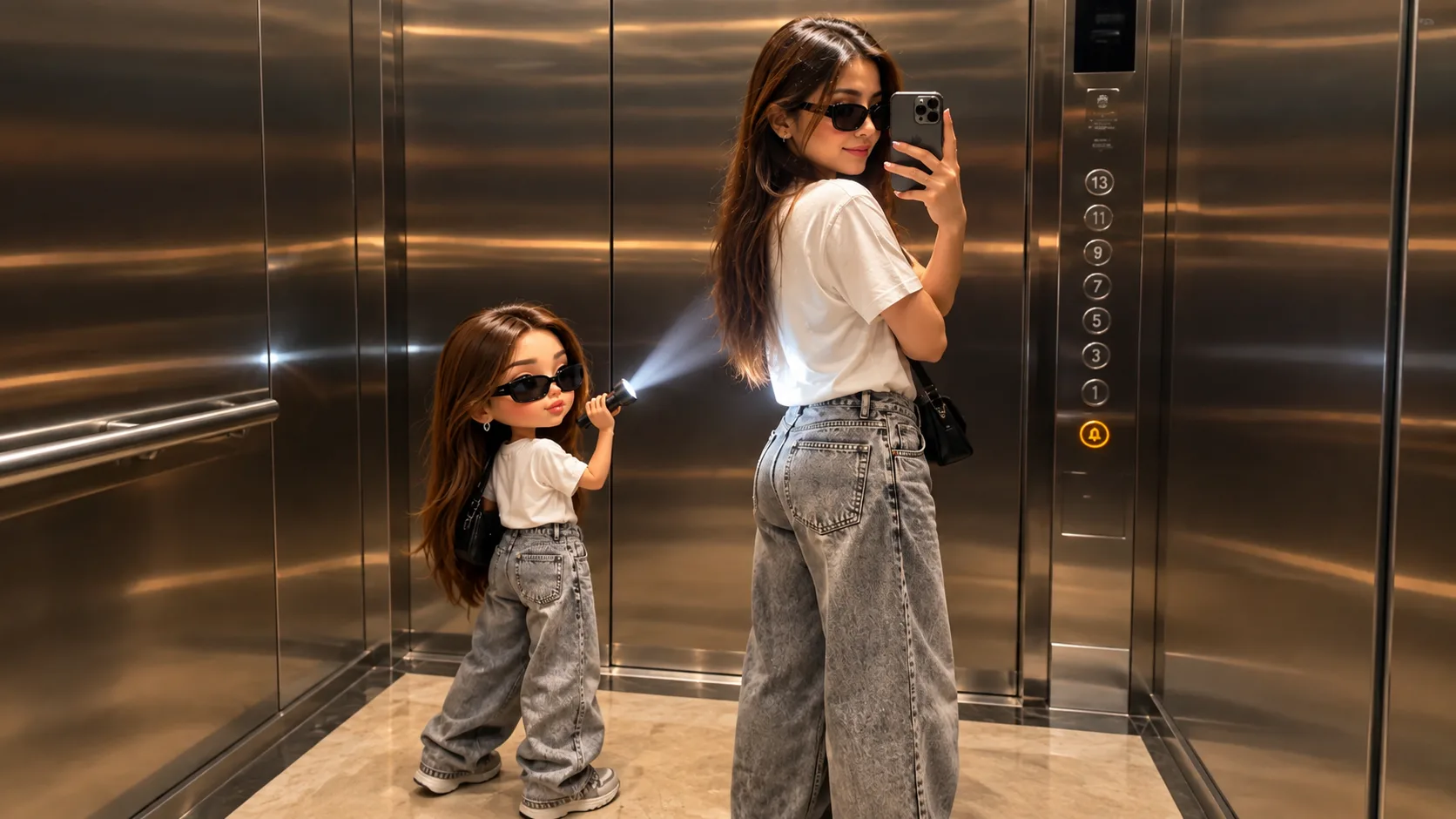
I recently created this unique AI photo where a normal full-size person is standing with a tiny 3D chibi version of himself. The small character is wearing the same outfit, carrying a backpack, and holding a flashlight toward the larger version.
What I liked about this image is that it doesn't look like a simple cartoon. The main person, clothes, concrete wall, lighting, shadows, and even the tiny character have a realistic cinematic appearance.
If you also want to create a similar AI chibi clone photo, here's how you can approach it.
Create Your Own AI Chibi Clone
The easiest way to start is with a clear reference photo of yourself. The AI can use your appearance as a reference and create a smaller version of the same character inside a completely new scene.
The interesting part is that you can make the small clone wear the same clothes, sunglasses, shoes, and backpack as the main character.
This creates the feeling that you are standing next to a tiny version of yourself.
Add a Fun Concept
The chibi character doesn't have to simply stand beside you.
In my image, the tiny clone is holding a flashlight and pointing it toward the larger character. You can create many different concepts, such as:
- Tiny clone taking a photo of you
- Mini version sitting on your shoulder
- Chibi clone walking beside you
- Tiny character holding a phone
- Mini clone carrying your backpack
- Small version sitting on your shoe
- Chibi character following you like a companion
This is where AI image generation becomes interesting because you can create scenes that would be difficult to photograph in real life.
Keep the Outfit Consistent
One detail that makes this image work is the matching outfit.
The main character and the tiny clone have similar clothing, sunglasses, shoes, and backpack. Keeping these details consistent makes the small character feel like an actual miniature version of the main person.
If you are creating your own version, pay attention to the clothes, hairstyle, accessories, and overall color combination.
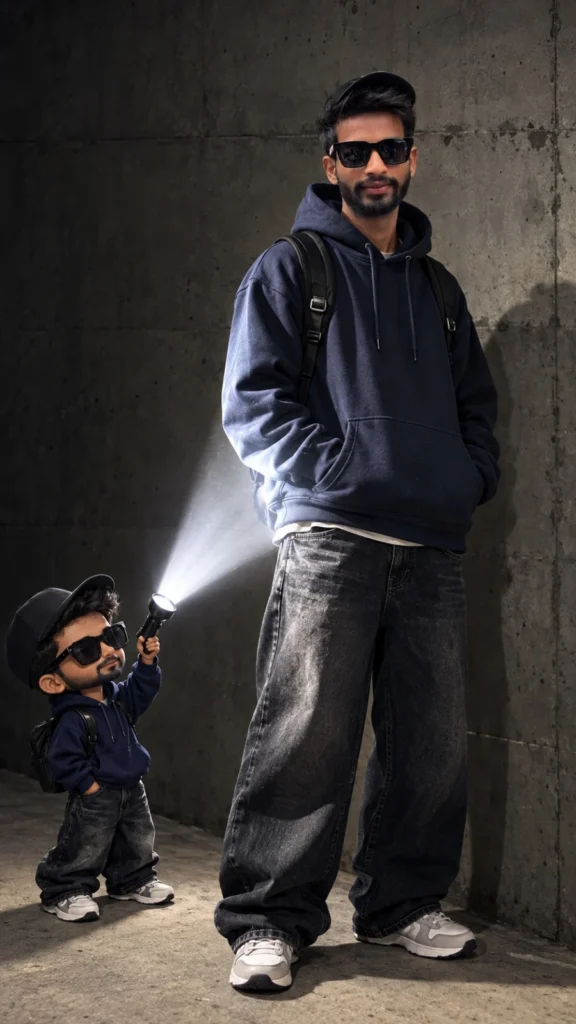
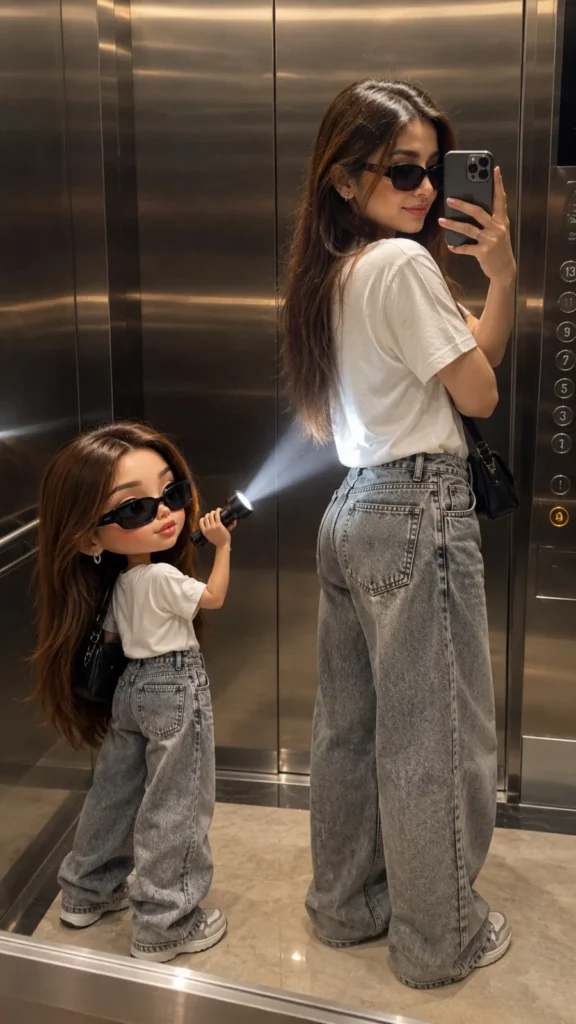
Use Realistic Lighting
Lighting is another important part of the image.
The flashlight creates a bright beam toward the main character, while the rest of the scene remains relatively dark. This gives the photograph a cinematic appearance.
The shadows on the floor and wall also help connect both characters to the same environment.
If the small character has completely different lighting from the main subject, the image can quickly look artificial.
Choose a Simple Background
I used a dark concrete wall and floor for this concept. A simple background helps keep attention on the two characters.
You can also try:
- A bedroom
- A street
- A parking area
- A studio
- A rooftop
- A garage
- A city alley
A simple environment often works better than a background filled with too many objects.
Make It Look Like a Real Photograph
If you want a realistic result, don't focus only on the characters.
The shadows, reflections, depth of field, clothing texture, floor, background, and light direction all matter.
The tiny character should also have believable proportions, clothing folds, and contact with the ground. These small details can make a big difference in the final image.
Final Words
That's it! Creating a 3D chibi clone photo with AI is a fun way to turn a normal portrait into something completely different.
The best part is that you can use your own appearance and create a miniature version of yourself in almost any situation. Try different outfits, locations, props, and poses to create something unique.
If you're making images for Instagram, Reels thumbnails, social media posts, or creative projects, this type of AI character transformation can give you a much more interesting visual than a normal portrait.







Leave a Reply