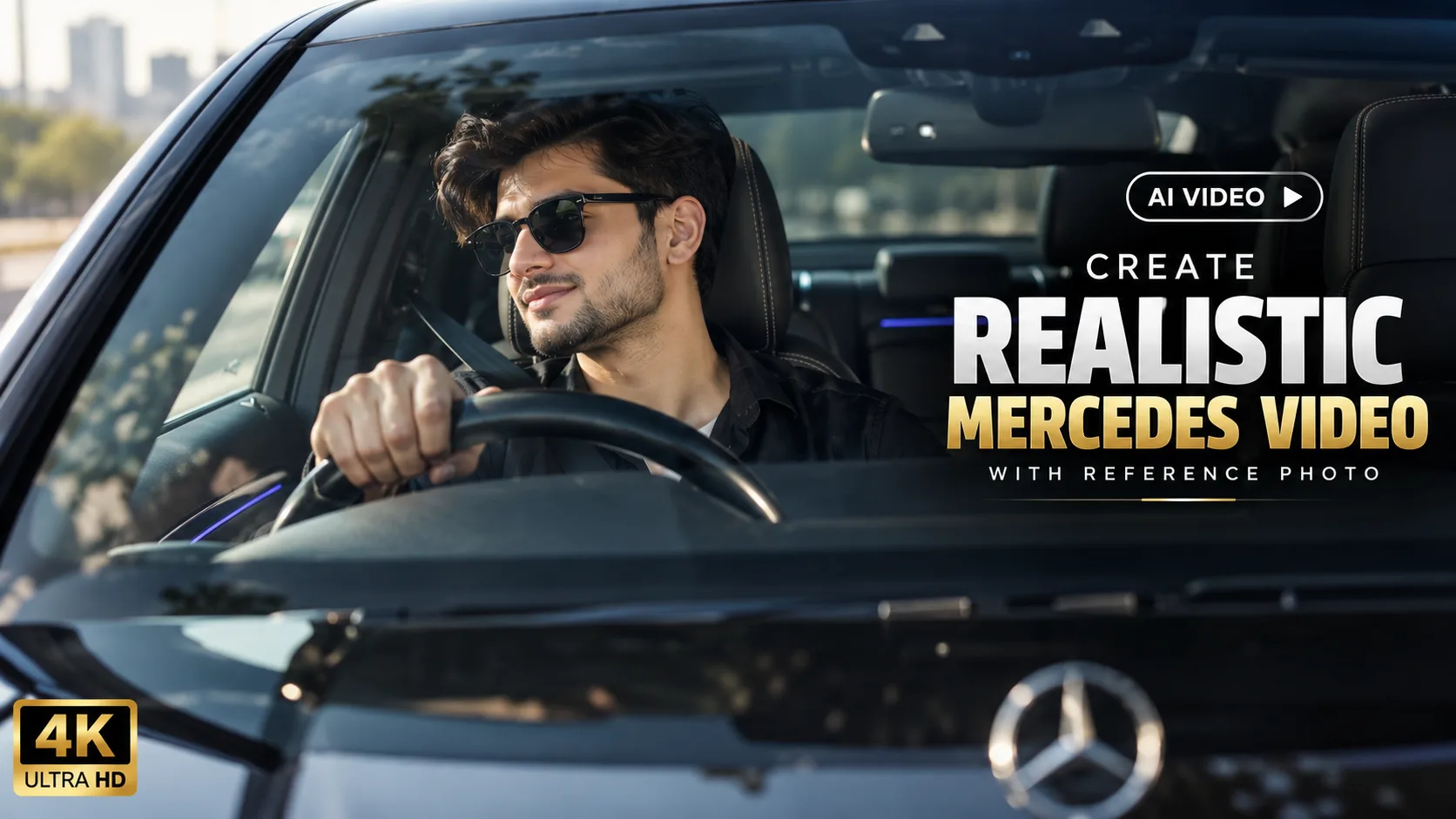
I recently tried creating an AI video of a person sitting naturally inside a black luxury Mercedes, and I wanted it to look like a real camera-recorded video rather than an AI-generated clip.
The main thing I focused on was keeping the person's face consistent while making the movement look natural. The final scene shows the person sitting in the driver's seat, looking toward the side, giving a slight smile, and then looking forward while keeping one hand naturally on the steering wheel.
How to Create This AI Video
You can start with a clear reference photo of the person you want to use. A good-quality photo with the face clearly visible can help the AI maintain the person's overall appearance.
The next important part is the car interior. Instead of only showing the person, include realistic details such as the steering wheel, dashboard, driver's seat, windshield, and interior lighting. These details help the scene feel more like an actual car recording.
The person's movements should also remain subtle. Natural blinking, small head movements, breathing, and a slight smile can make a big difference. You don't need exaggerated movements for this type of video.
Make the Camera Movement Natural
For this scene, the camera starts from a front windshield perspective and slowly moves toward a slightly closer side angle.
Slow camera movement works well because it gives the video a cinematic feeling without making the scene look artificial.
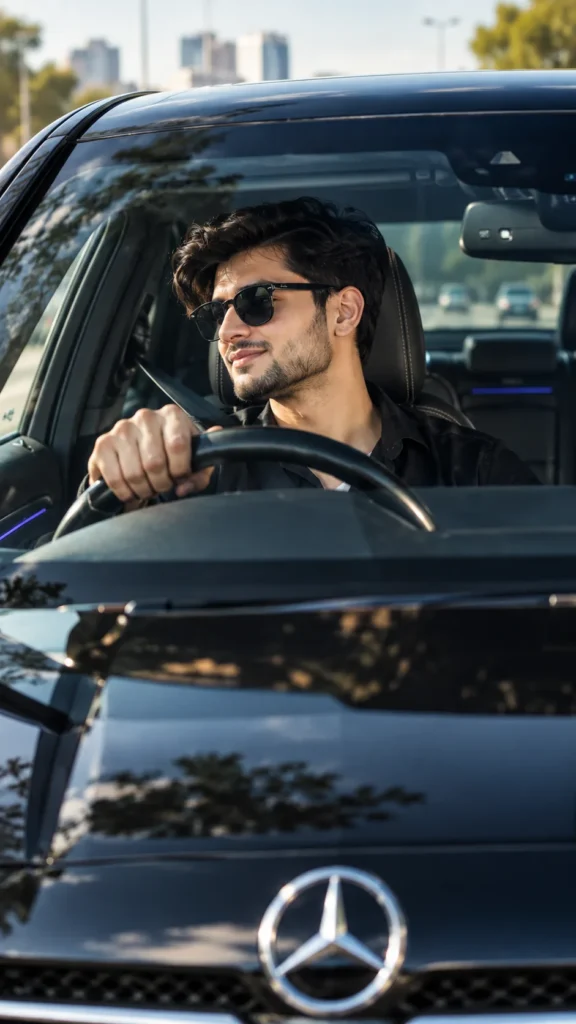
Realistic windshield reflections, tinted glass, natural daylight, and accurate shadows also help make the car environment feel more believable.
Keep the Face Consistent
Face consistency is one of the most important parts when creating an AI video from a reference photo.
The hairstyle, facial features, skin tone, and beard should remain consistent throughout the clip. It's also worth checking the hands and fingers because these areas can sometimes look unnatural during AI-generated movement.
Final Words
That's it! With a clear reference photo, realistic car details, subtle human movement, and natural camera movement, you can create a cinematic AI video that feels much closer to a real recording.
The key is to keep everything simple and natural. Realistic lighting, authentic surroundings, small facial expressions, and smooth camera movement usually work better than adding too many dramatic effects.











Leave a Reply