By Kiara Sharma • July 24, 2026 • 564268 Views • No Comments
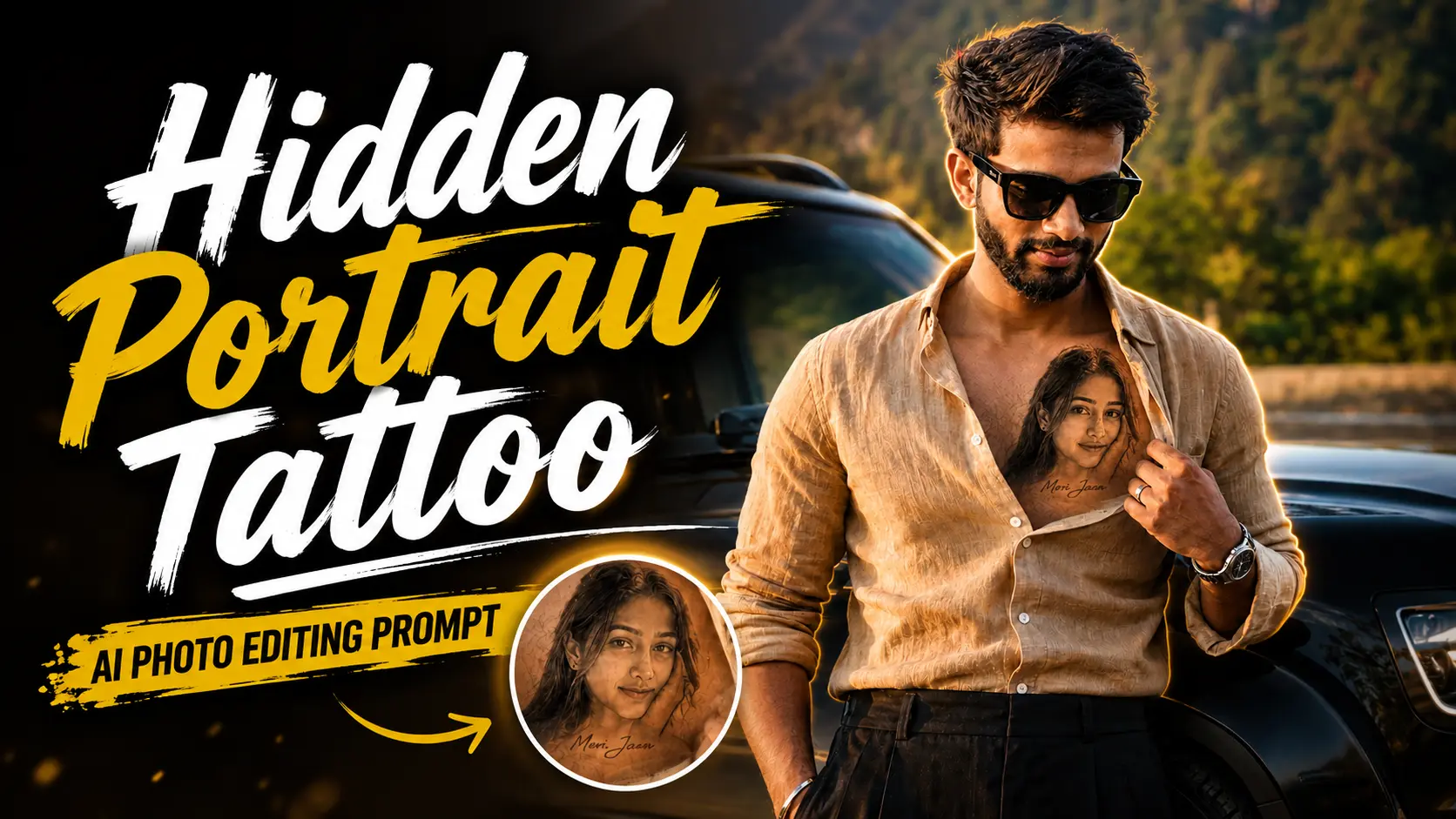
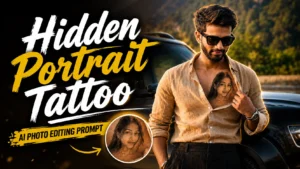
Some AI photo edits become popular for a few days, while others stay in trend for months. Right now, one editing style is catching everyone's attention on Instagram and Pinterest. It's the Hidden Portrait Tattoo AI Trend, where a person opens their shirt slightly to reveal a realistic portrait tattoo of someone special on their chest.
At first glance, it looks like a real tattoo. But if you look closely, you'll realize it's actually an AI-generated edit. That's what makes this trend so interesting. It looks emotional, stylish, and surprisingly realistic without visiting a tattoo studio.
The good news is that you don't need Photoshop or advanced editing skills. A single AI prompt with ChatGPT or Google Gemini can create this effect in just a few minutes.
What is the Hidden Portrait Tattoo AI Trend?
The Hidden Portrait Tattoo AI Trend is a realistic AI editing style where a detailed black-and-grey portrait tattoo appears naturally on the chest. Many people use a picture of their partner, family member, or someone meaningful to create an emotional-looking image.
Instead of changing your face or clothes, AI only adds a lifelike tattoo while keeping the rest of the photo completely natural. The final result looks like a real photograph.
Why Is This AI Edit Going Viral?
People love edits that tell a story, and this one does exactly that. A realistic portrait tattoo instantly makes the image more emotional and eye-catching.
Many creators are sharing these edits as Instagram posts, Reels thumbnails, WhatsApp Status, and Pinterest pins because they stand out in the feed. The realistic tattoo blending and cinematic lighting make the image look professionally edited.
How to Create a Hidden Portrait Tattoo AI Photo
Creating this edit is much easier than you might expect.
Method 1: Using ChatGPT
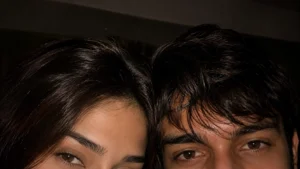
Upload your photo to ChatGPT. Then upload the portrait you want as the tattoo. Copy the prompt below and paste it into the chat. AI will blend the portrait naturally onto your chest while keeping the rest of the image unchanged.
Method 2: Using Google Gemini
Open Google Gemini and upload both images. Paste the same prompt and let Gemini generate the final portrait. Within a few moments, you'll have a realistic tattoo-style photo ready to download.
Hidden Portrait Tattoo AI Prompt
Copy the prompt below and use it in ChatGPT or Google Gemini.
✨ AI PROMPT
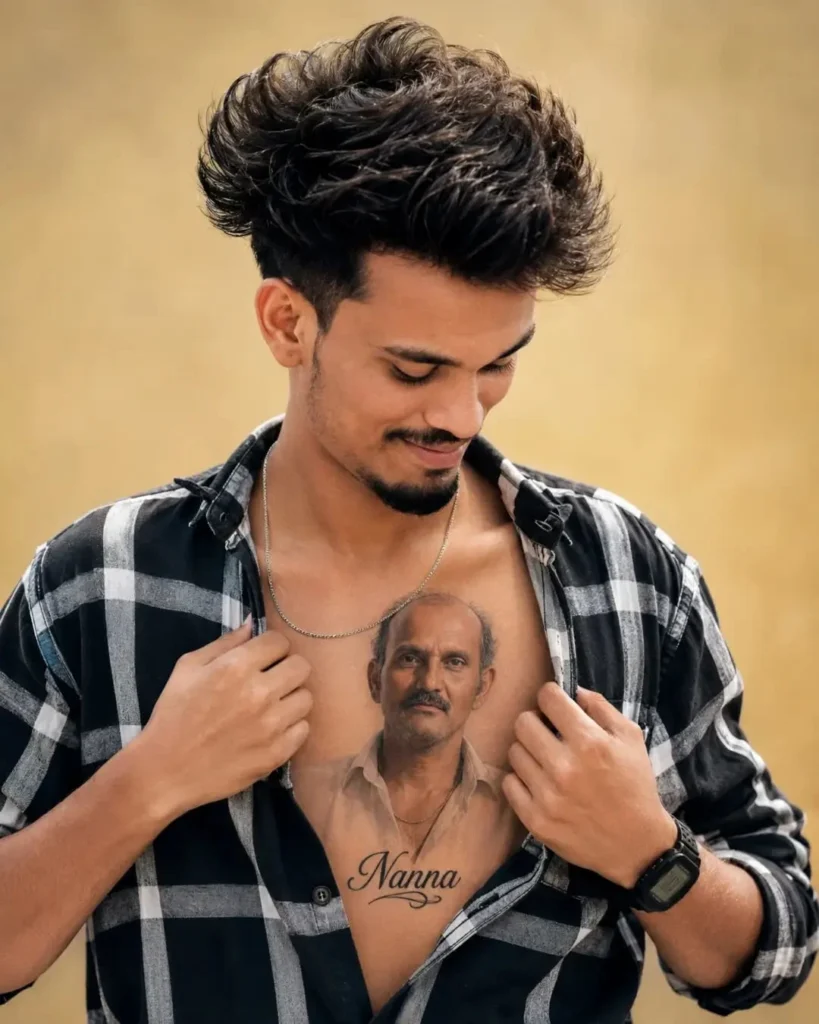
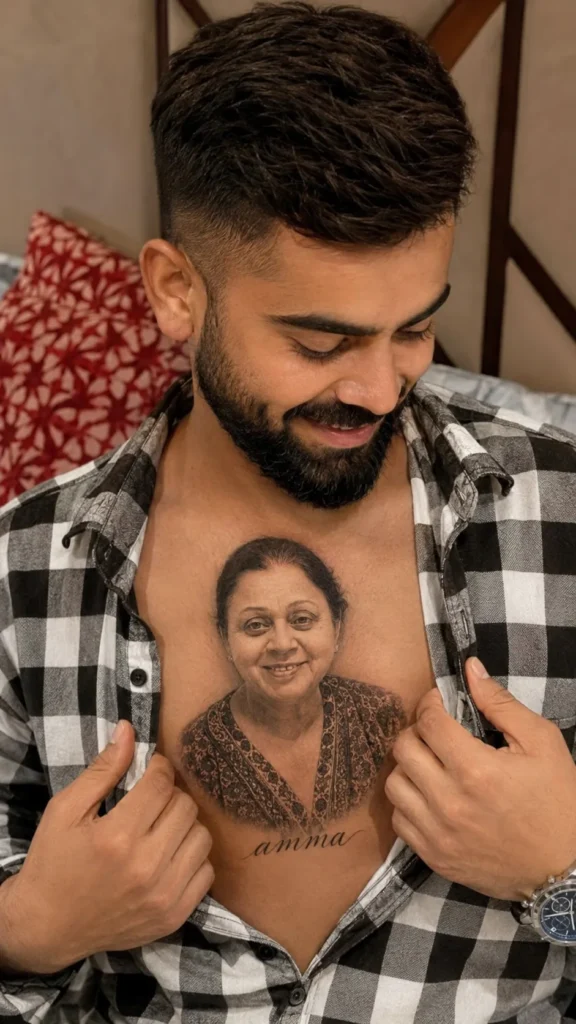
The boy is wearing a black-and-white checkered shirt, slightly unbuttoned to reveal a highly detailed realistic chest tattoo featuring a beautiful portrait of the boy with the name 'amma written in Papa elegant cursive below it. He is smiling softly while looking looking down down at the tattoo
✨ AI PROMPT
The boy is wearing a black-and-white checkered shirt, slightly unbuttoned to reveal a highly detailed realistic chest tattoo featuring a beautiful portrait of the girl with the name 'amma written in elegant cursive below it. He is smiling softly while looking down at the tattoo
✨ AI PROMPT
STRICT IDENTITY LOCK (HIGHEST PRIORITY)
Use the uploaded reference image as the ONLY identity reference.
The young man's face must remain 100% identical to the uploaded reference image. Do not redesign, beautify, replace, reinterpret, or generate a different person. The final result must be instantly recognizable as the exact same young man.
Preserve EXACTLY:
• Face shape
• Facial structure
• Jawline
• Cheekbones
• Chin
• Forehead
• Hairline
• Hairstyle
• Hair texture
• Hair color
• Beard and mustache
• Eyebrows
• Eyes
• Eye shape
• Eye spacing
• Iris color
• Nose
• Lips
• Smile
• Ears
• Skin tone
• Natural skin texture
• Age
• Body proportions
• Facial proportions
• Overall identity
Identity preservation has the highest priority and overrides every artistic instruction.
REALISM LOCK
The final image must look like a genuine professional DSLR photograph captured in real life, not AI-generated.
Absolutely preserve:
• Natural skin pores
• Fine facial hair
• Individual beard hairs
• Realistic hair strands
• Natural skin imperfections
• Authentic lighting
• Realistic shadows
• Physical depth of field
• Natural color science
• Organic contrast
• True camera optics
• Realistic fabric texture
• Natural wrinkles
• Photographic realism
Avoid:
• AI face
• Plastic skin
• Beauty filter
• CGI appearance
• Cartoon look
• Painted texture
• Overprocessed HDR
• Fake lighting
• Artificial symmetry
• Unrealistic eyes
• AI artifacts
• Low quality
SCENE
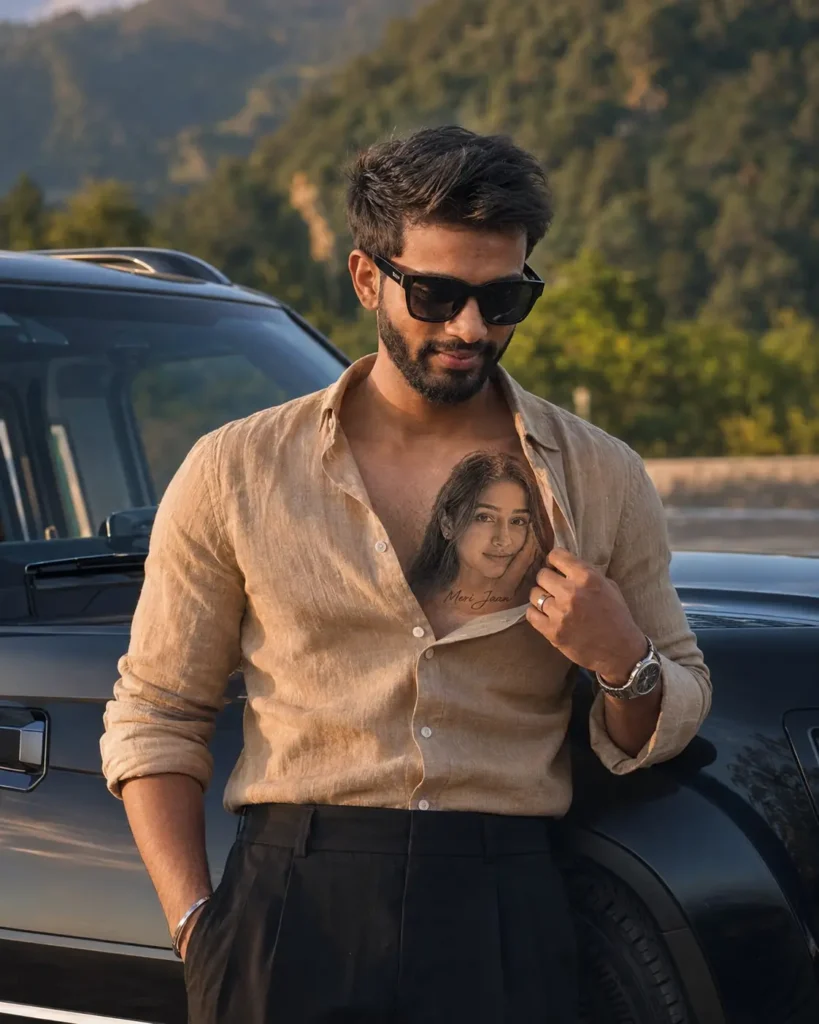
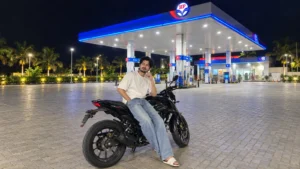
Create an ultra-realistic luxury lifestyle portrait of the young man standing outdoors during warm golden hour beside a premium black luxury SUV in a scenic mountain landscape with lush greenery in the background.
POSE
The young man stands confidently while gently pulling open the top of his shirt with one hand, revealing the tattoo on his upper chest. His other hand rests naturally by his side or inside his trouser pocket.
He is smiling softly while looking down at the tattoo with genuine love, admiration, and emotional warmth. The expression should feel candid and completely natural.
OUTFIT
He is wearing a premium tailored camel-beige linen shirt made from luxurious Italian linen with an expensive matte texture. The shirt has a modern slim fit, naturally rolled sleeves, a clean spread collar, and the top three buttons casually left open.
The shirt features realistic stitching, premium buttons, natural folds, and elegant draping.
He is paired with premium tailored black high-waisted trousers featuring a luxury drape and clean pressed crease.
Accessories include:
• Premium black rectangular sunglasses
• Luxury stainless-steel wristwatch
• Minimal silver bracelet
• Simple gold ring
• Polished black leather Chelsea boots
Overall styling should resemble a luxury fashion campaign for Tom Ford, ZEGNA, Ralph Lauren Purple Label, or GQ Magazine.
TATTOO
On the upper left side of his chest is a highly detailed realistic black-and-grey portrait tattoo of the girl from the uploaded reference image.
The tattoo should feature:
• Ultra-realistic portrait
• Fine-line realism
• Professional shading
• Authentic tattoo ink
• Natural skin integration
• Visible skin pores
• Proper body contour wrapping
• Realistic healed tattoo appearance
Directly beneath the portrait tattoo, the name
"Meri Jaan"
is beautifully written in elegant handwritten cursive script as part of the tattoo.
The tattoo must appear professionally inked into the skin, never printed or pasted.
BACKGROUND
Luxury outdoor location with lush green hills, trees, premium natural scenery, and a matte black luxury SUV parked beside him.
Background should remain softly blurred using natural shallow depth of field with creamy cinematic bokeh.
LIGHTING
Warm golden-hour sunlight
Soft cinematic highlights
Natural rim lighting
Realistic contact shadows
HDR dynamic range
Natural skin reflections
Premium editorial lighting
Soft atmospheric glow
CAMERA
Captured on Canon EOS R5
RF 85mm f/1.2L USM Lens
85mm
f/1.4
ISO 100
1/500 sec
RAW photography
Professional DSLR color science
STYLE
Luxury editorial photography
GQ Magazine style
Timeless masculine fashion
Commercial lifestyle campaign
Ultra-photorealistic
Premium storytelling
Luxury aesthetic
Natural candid moment
QUALITY
True DSLR photograph
8K Ultra HD
HDR
Ultra-photorealistic
Razor-sharp facial details
Natural skin texture
Realistic beard texture
Premium fabric detail
Professional color grading
Commercial photography quality
Indistinguishable from a real photograph
MASTERPIECE QUALITY
NEGATIVE PROMPT
Different face, altered identity, face swap, AI face, plastic skin, wax skin, beauty filter, oversmoothed skin, unrealistic eyes, bad anatomy, distorted hands, extra fingers, duplicated limbs, blurry face, blurry tattoo, low quality, low resolution, cartoon effect, CGI look, digital painting, fake lighting, oversaturated colors, watermark, logo, text, cropped body, unrealistic clothing, floating accessories, poor perspective, bad proportions, AI artifacts.
Tips for Better Results
If you want the tattoo to look more realistic, here are a few simple tips.
Use a clear portrait for the tattoo reference.
Upload a high-quality photo with good lighting.
Keep the chest area visible.
Avoid blurry or low-resolution images.
Use a front-facing portrait for the best tattoo details.
Final Thoughts
The Hidden Portrait Tattoo AI Trend is one of those edits that looks realistic without feeling overdone. Whether you want to create an emotional photo or simply try something different, this AI prompt can produce an impressive result in just a few clicks.
Simply upload your photos, paste the prompt, and let AI create a realistic portrait tattoo that looks like it has always been part of the image.
Advertisement
Frequently Asked Questions (FAQ)
1. What is the Hidden Portrait Tattoo AI Trend?
It is a viral AI editing style that adds a realistic portrait tattoo to your chest while keeping your original photo unchanged.
2. Can I use ChatGPT to create this effect?
Yes. Upload your main photo and the portrait image, paste the prompt, and ChatGPT can generate the tattoo effect.
3. Does Google Gemini support this edit?
Yes. Google Gemini can also create similar AI image edits using the same prompt.
4. Will AI change my face or outfit?
No. The prompt instructs AI to preserve your face, clothing, pose, and identity while only adding the realistic tattoo.
5. Can I use any portrait as the tattoo?
Yes. You can use a portrait of a loved one, a family member, or another image you have permission to use. The AI will use it as the tattoo reference.
6. Is this a real tattoo?
No. This is only a digital AI-generated photo edit. It does not create a permanent tattoo.
Kiara provides detailed insights and updates on Xiaomi products, helping readers stay informed about the latest trends, tips, and reviews to maximize their tech investments.






Leave a Reply