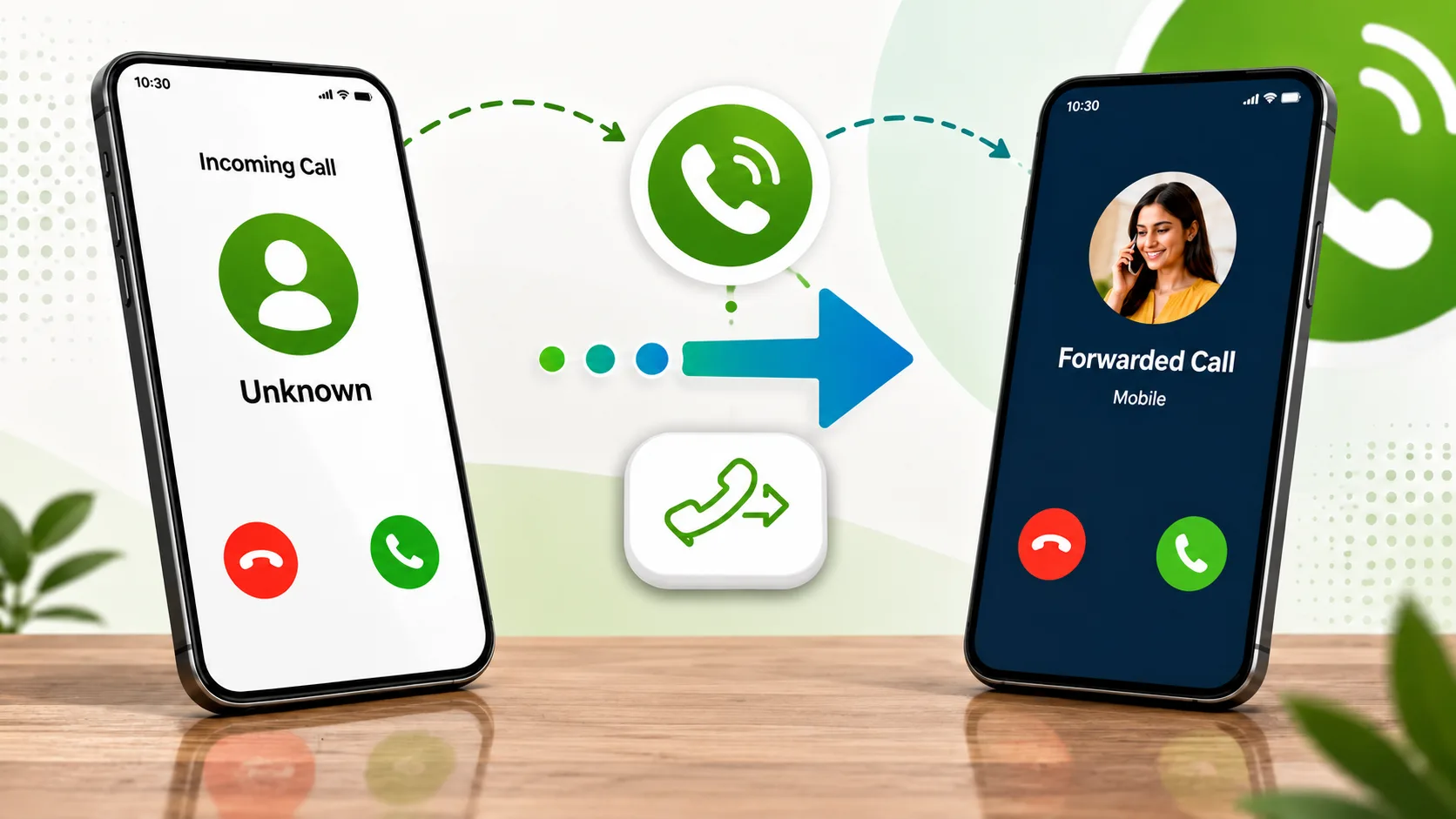
When you miss an important call, it can be too much frustrating, and sometimes important calls are missed just because of network coverage, during traveling, or doing some important work. If you are also facing these kinds of problems, then you can use this application called call forwarding. With the help of this app, you can easily redirect your call on the desired number.
As we know, today’s smartphone has this feature by default, but it also comes with confusing settings. Here comes a call forwarding application which fix all these issues, and it also has the best user interface and also have easy process to setup which we are going to know in this article. After that, you will know how you can forward your calls.
What Is the Call Forwarding App?
With the help of the Call Forwarding app, you can easily forward calls to another phone number, whether the feature was there in your phone or not. Also, this app has the best settings that make it possible to have the best forwarding options. Whether you are looking to redirect all calls or a specific one. These features of the app are helpful for business owners, travellers, and many more.
Main Features of the Call Forwarding App
This application is best for people who use these kinds of features regularly or are willing to use them, and this app comes with multiple call forwarding options and features, which you can check below:
- Forward all incoming calls instantly.
- Forward calls only when you do not answer.
- Redirect calls when your phone is unreachable.
- Conditional call forwarding as per requirement.
- One click activation.
- Easy to use.
- Works while your phone is off.
How to Download and Install the Call Forwarding App
You must need to follow the steps given below to install this application:
- First, you need to open the Google Play Store on your device.
- Now, in the search bar, type Call Forwarding developed by Android Buddy.
- Verify the app by our featured image.
- Tap the Install button.
- Now wait for the download and installation process.
How to Set Up Call Forwarding
It is very simple to set up a call forwarding app you just need to follow the steps below:
- Launch the Call Forwarding app.
- On the home screen, you will see options like All Calls, Not Answered, Not Reachable, All Conditional, and Call Waiting.
- Now select the option that you want
- Then, after that, enter another number then it will forward on that.
- Tap Activate to enable.
Why Use a Call Forwarding App?
A dedicated call forwarding application saves time. If you are busy doing something or while traveling, using another phone, or having network issues, this app helps ensure that important calls always reach you. It also gives users more control over call forwarding and many more things, which makes managing your calls easier.
Final Thoughts
The Call Forwarding app is the best application for anyone who wants to manage incoming calls as per their need. This app comes with a user friendly design and interface and also has an easy and quick setup process, and having multiple forwarding options, making it suitable for both personal and professional use.
Whether you want to forward every call or only redirect any specific phone number, this app provides an easy way to stay connected without missing important conversations. If you regularly use the call forwarding feature, then this app is best to use as it is very user friendly.













Leave a Reply