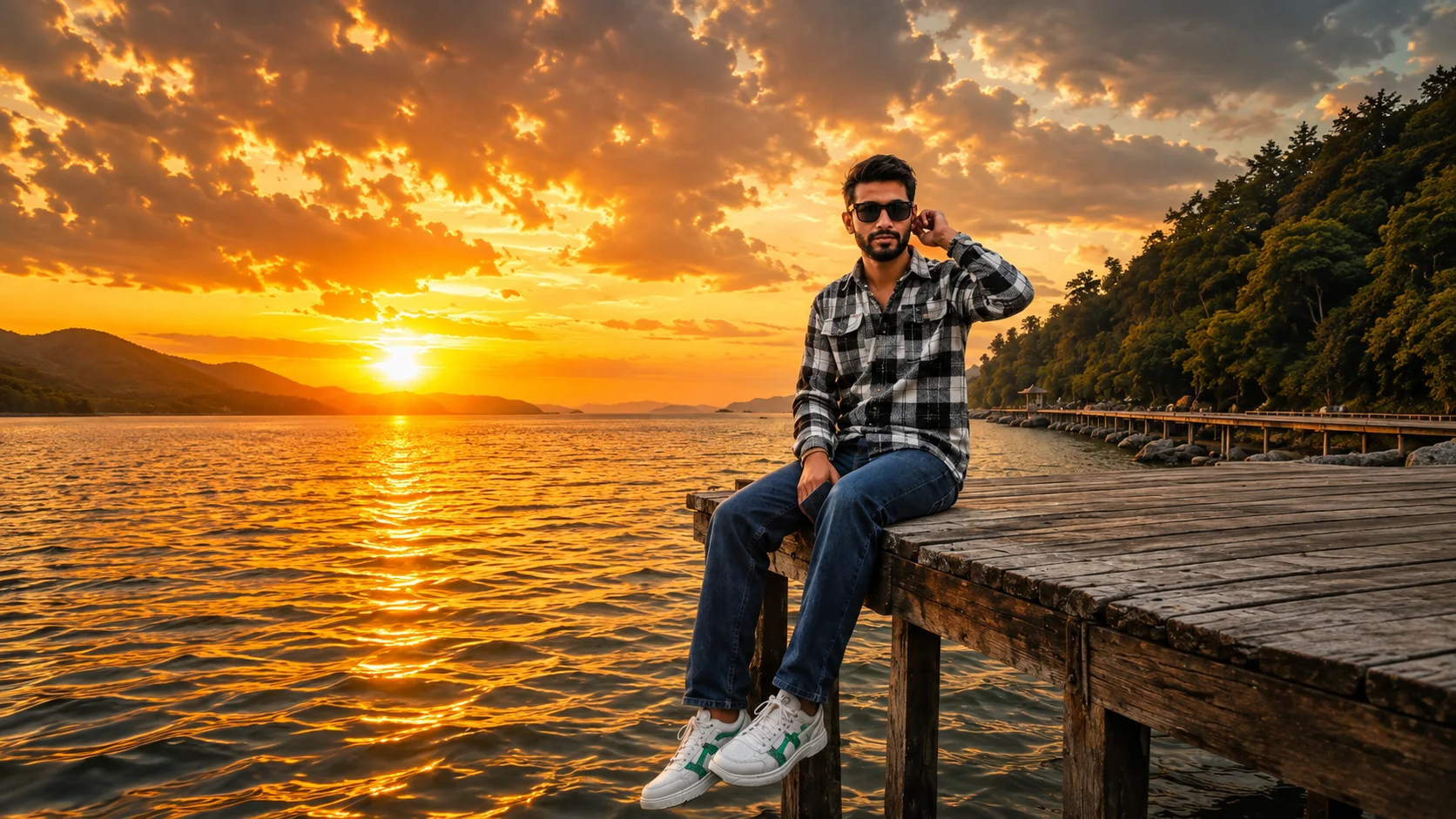
Some photos don't need expensive outfits or luxury cars to stand out. All they need is the right moment. A peaceful lake, an old wooden jetty, dramatic sunset clouds, and warm golden sunlight can turn an ordinary picture into something unforgettable.
That's exactly why the Golden Hour Lake Portrait is becoming one of the most loved AI photo trends. Instead of creating an over-edited image, this style captures the beauty of nature. Sitting quietly at the edge of a wooden dock while the sun sets over the water creates a photo that feels calm, cinematic, and real.
If you're looking for a stylish outdoor portrait that doesn't look artificial, this trend is definitely worth trying.
What is the Golden Hour Lake Portrait AI Trend?
The Golden Hour Lake Portrait is an AI editing style that recreates a peaceful sunset scene beside a lake. The person sits naturally on the edge of an old wooden jetty with both legs hanging over the water while enjoying the evening view.
The real highlight isn't the pose it's the lighting. Warm sunlight reflecting on the water, dramatic clouds covering the sky, and soft golden tones give the photo a beautiful cinematic feel.
The result looks like it was captured during a real vacation rather than created with AI.
Why Is This Style Becoming Popular?
Most AI portraits focus on luxury backgrounds or dramatic cityscapes. This trend takes a completely different approach.
It celebrates simple outdoor moments. The calm water, weathered wooden dock, and glowing sunset create a peaceful atmosphere that instantly catches attention. That's why many people are using this style for Instagram posts, profile pictures, travel-themed content, and wallpapers.
Sometimes, nature becomes the best background.
How to Create a Golden Hour Lake Portrait
Creating this style is easy with AI.
Method 1: Using ChatGPT
Upload a clear photo of yourself and paste the prompt below. AI will recreate your portrait while preserving your face and identity.
Method 2: Using Google Gemini
You can also use Google Gemini. Upload the same reference image, paste the prompt, and let AI generate a realistic sunset portrait.
Golden Hour Lake Portrait AI Prompt
Small Details Make a Big Difference
What makes this photo stand out isn't just the sunset.
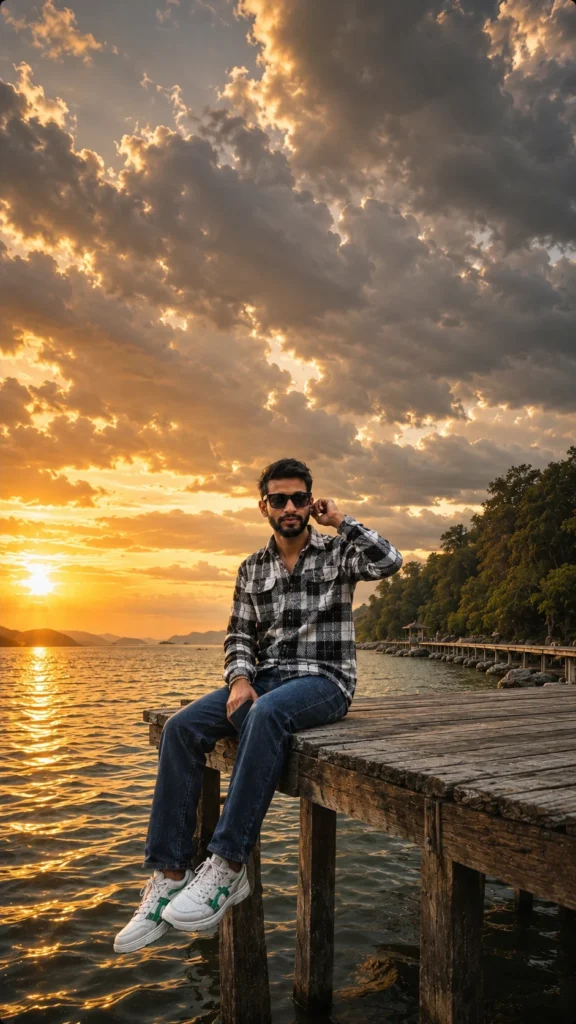
The weathered wooden dock, gentle ripples on the water, dramatic clouds, and soft reflections all help create a realistic outdoor atmosphere. Keeping the pose relaxed instead of overly dramatic makes the final image feel much more natural.
Less is often more.
Tips for Better Results
Before generating your image, keep these tips in mind.
- Upload a high-quality portrait with your face clearly visible.
- Ask AI to preserve your facial features exactly.
- Use warm golden-hour lighting instead of harsh daylight.
- Keep the background natural and uncluttered.
- Avoid excessive editing or unrealistic color grading.
Final Thoughts
The Golden Hour Lake Portrait is perfect for anyone who loves travel, nature, and peaceful photography. It doesn't rely on flashy effects or expensive locations. Instead, it captures a quiet moment that feels genuine and timeless.
Whether you're creating a new Instagram post, a WhatsApp DP, or simply experimenting with AI photography, this sunset portrait style is a great choice.
Frequently Asked Questions (FAQ)
1. What is the Golden Hour Lake Portrait AI Trend?
It's an AI photo style that places you on a wooden jetty beside a peaceful lake during a beautiful golden sunset while keeping your real identity unchanged.
2. Can I create this image using ChatGPT?
Yes. Upload your photo, paste the prompt, and ChatGPT can generate a realistic sunset portrait.
3. Does this prompt work with Google Gemini?
Yes. The same prompt can also be used with Google Gemini to create a similar image.
4. Will AI change my face?
No. The prompt asks AI to preserve your facial features, hairstyle, skin tone, and overall identity while only changing the environment.
5. Can I change the outfit?
Yes. You can request a hoodie, jacket, casual T-shirt, or any outfit you prefer while keeping the same sunset setting.
6. Where can I use this AI photo?
It's perfect for Instagram posts, WhatsApp DP, Facebook, Pinterest, travel blogs, wallpapers, and other social media platforms.









Leave a Reply