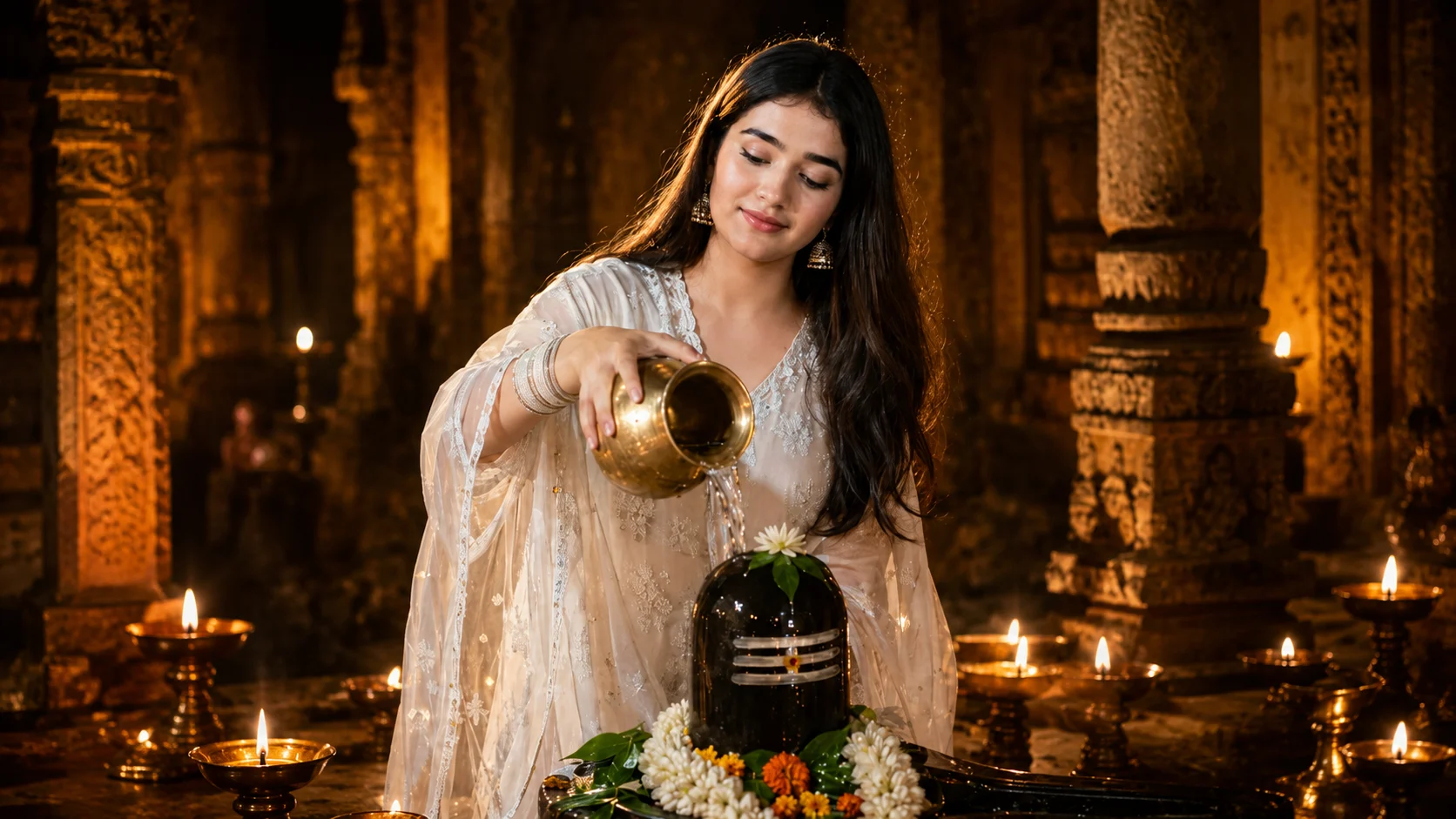
There is something different about devotional photos. They don't need flashy backgrounds or heavy effects to grab attention. A peaceful temple, glowing diyas, flowers around a Shivling, and a simple moment of prayer are enough to make the picture feel special.
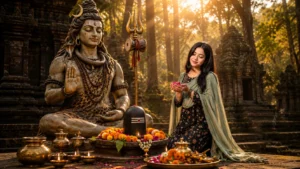
One such photo style is now becoming popular among AI photo lovers the Mahadev Jal Abhishek AI Photo. In this edit, you can see yourself inside an ancient Shiva temple, gently pouring water from a brass kalash over a Shivling. The warm temple lights and traditional outfit make the whole scene look peaceful and realistic.
And you don't actually need to visit a photography studio or spend hours in Photoshop to create this look. With your own photo and a detailed prompt, you can try it using ChatGPT or Google Gemini.
What is the Mahadev Jal Abhishek AI Photo Trend?
This is a devotional AI photo editing style inspired by the traditional practice of offering water to Lord Shiva.
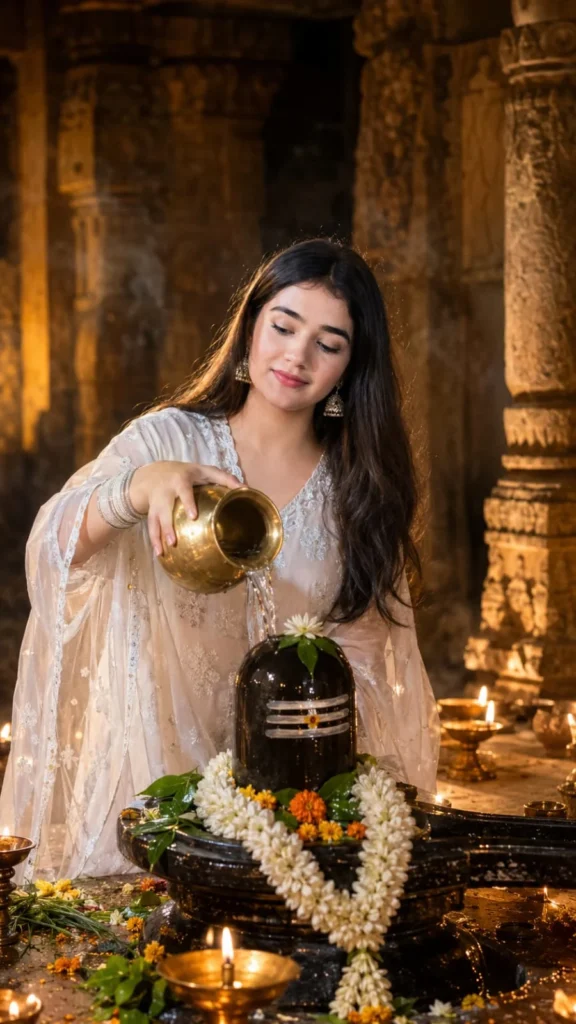
The image usually shows the person standing or sitting near a black Shivling and performing Jal Abhishek with a brass kalash. Fresh flowers, bel leaves, garlands, burning diyas, and old stone carvings complete the temple atmosphere.
What makes this edit beautiful is its simplicity. Instead of making the scene overly dramatic, the focus remains on devotion and the peaceful moment of worship.
A Perfect AI Photo Idea for Sawan and Mahashivratri
This type of photo can be especially meaningful during Sawan, Mahashivratri, Somwar, or any occasion connected with Mahadev.
You can use the final image for a WhatsApp Status, Instagram post, devotional profile picture, festival greeting, or simply keep it as a personal photo.
Girls can try the look with a white salwar suit, saree, or other traditional outfit. Boys can use a kurta or dhoti-kurta while keeping the same temple and Jal Abhishek concept.
How to Create a Jal Abhishek Photo with ChatGPT
First, choose a clear portrait where your face is properly visible. Upload it to ChatGPT and then paste the prompt given below.
The reference photo doesn't necessarily need to be taken inside a temple. The prompt describes the environment, clothing, lighting, Shivling, and worship scene for AI to recreate.
If the first result changes your appearance too much, ask it to keep your facial features closer to your uploaded reference.
Create the Same Photo with Google Gemini
The process with Google Gemini is similar. Upload a clear reference image and provide the complete prompt.
For a more natural result, avoid using an already heavily edited or filtered selfie. A clear original photo gives the AI better visual information to work with.
Mahadev Jal Abhishek AI Photo Editing Prompt
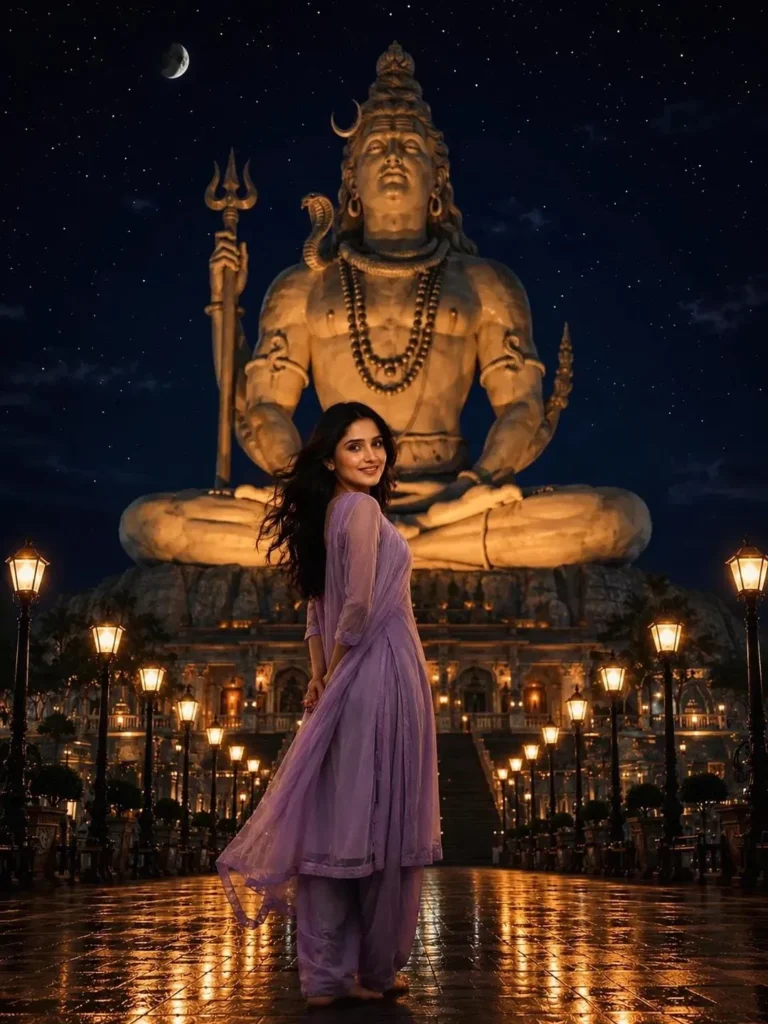
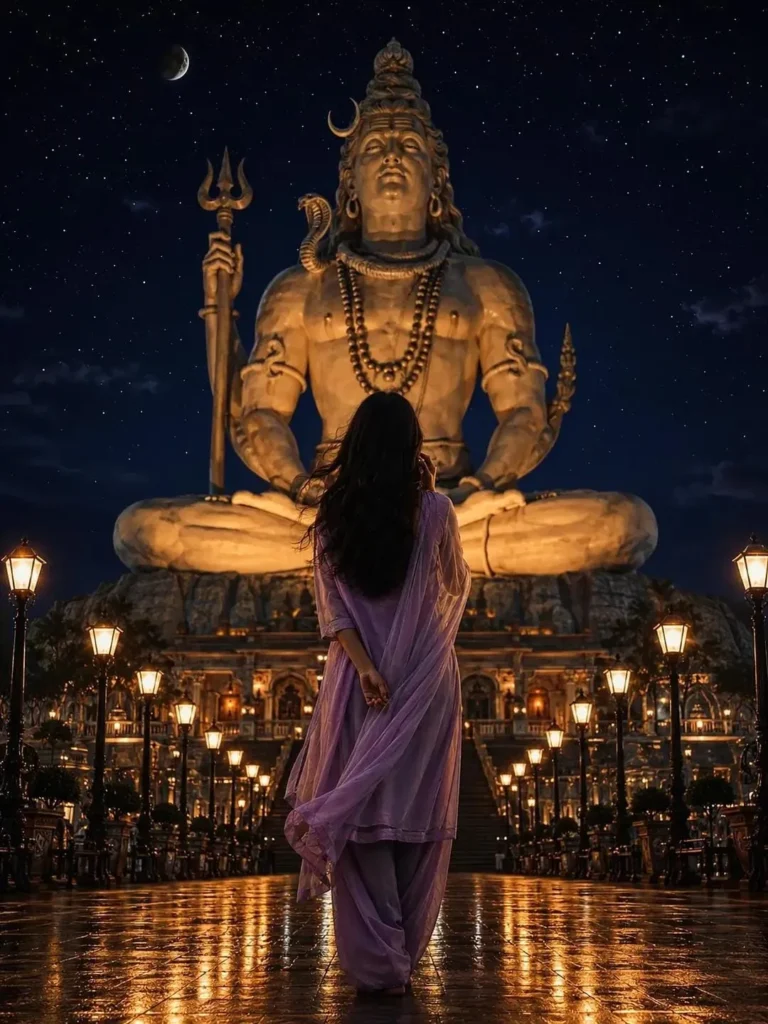
Small Details That Make the Photo Look Real
AI sometimes creates devotional pictures that look too perfect or fantasy-like. That's why small details matter here.
The water should actually appear to flow from the kalash onto the Shivling. Flowers and bel leaves should sit naturally around it instead of floating randomly. Diyas should give off soft golden light rather than turning the entire temple bright orange.
Most importantly, the person's expression should remain calm and natural. This is a devotional moment, so a simple expression works much better than a fashion-style pose.
Can Boys Use the Same Mahadev AI Prompt?
Yes. You don't need an entirely different concept.
For a boy's photo, simply replace the outfit part of the prompt with something like:
Dress me in a simple white traditional kurta with a devotional and natural appearance.
You can also change the pose to sitting beside the Shivling, joining hands in prayer, offering flowers, or pouring water from the kalash.
Where Can You Use This AI Photo?
A vertical 9:16 version works nicely for Instagram Stories, Reels, and WhatsApp Status. You can also create a 1:1 version for your profile picture or a 16:9 image for a YouTube thumbnail.
If you're creating the photo for Mahashivratri or Sawan, you can later add a small devotional quote separately. Keeping text out of the original generation usually gives you more freedom to design it afterward.
Final Words
A Mahadev Jal Abhishek AI photo isn't about adding lots of cinematic effects. The beauty comes from keeping the temple peaceful, the worship scene natural, and the person recognizable.
With a clear reference photo and the right prompt, you can recreate this devotional atmosphere without complicated manual editing. Try different traditional outfits or poses, but keep the Shivling, kalash, flowers, bel leaves, and warm diya lighting natural—that's what gives the image its devotional feel.
Frequently Asked Questions
What is a Mahadev Jal Abhishek AI photo?
It is an AI-created devotional portrait showing a person offering water from a kalash onto a Shivling inside a temple.
Can I make a Jal Abhishek photo using my own picture?
Yes. Upload a clear reference photo and use a detailed prompt describing the temple, Shivling, clothing, lighting, and pose you want.
Can I create this image with ChatGPT?
Yes. If image generation or editing is available to you, you can upload your reference image and provide the prompt to create this style.
Does the prompt work in Google Gemini?
You can also try the prompt with Gemini's supported image-generation or editing features. Results can differ, so you may need to adjust the prompt slightly.
Which outfit looks best for this photo?
White, cream, saffron, or other simple traditional outfits work beautifully with the warm temple setting. Sarees, salwar suits, and kurtas can all be used.
Is this photo suitable for Mahashivratri or Sawan?
Yes. The Jal Abhishek theme makes it especially suitable for Mahashivratri, Sawan Somwar, devotional posts, and Mahadev-themed social media content.







Leave a Reply