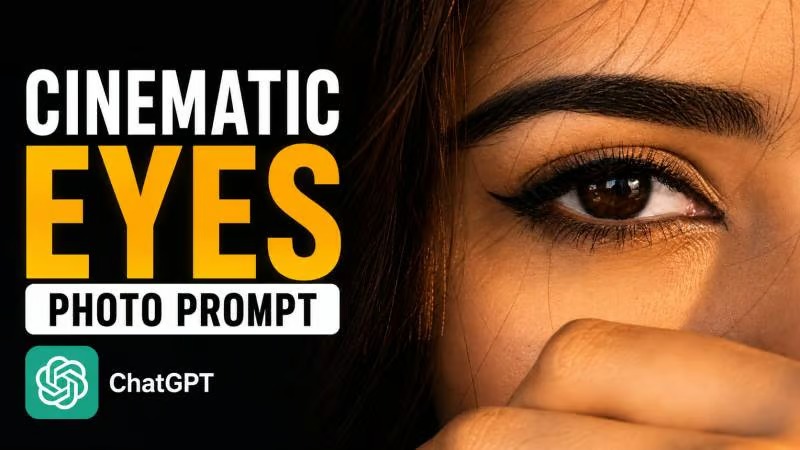
Have you ever seen a photo that instantly feels like a scene from a movie? Instead of looking like a normal picture, it tells a story, creates emotion, and pulls the viewer into the moment. That's exactly why the Cinematic Eyes View editing style has become one of the fastest-growing AI photography trends on social media.
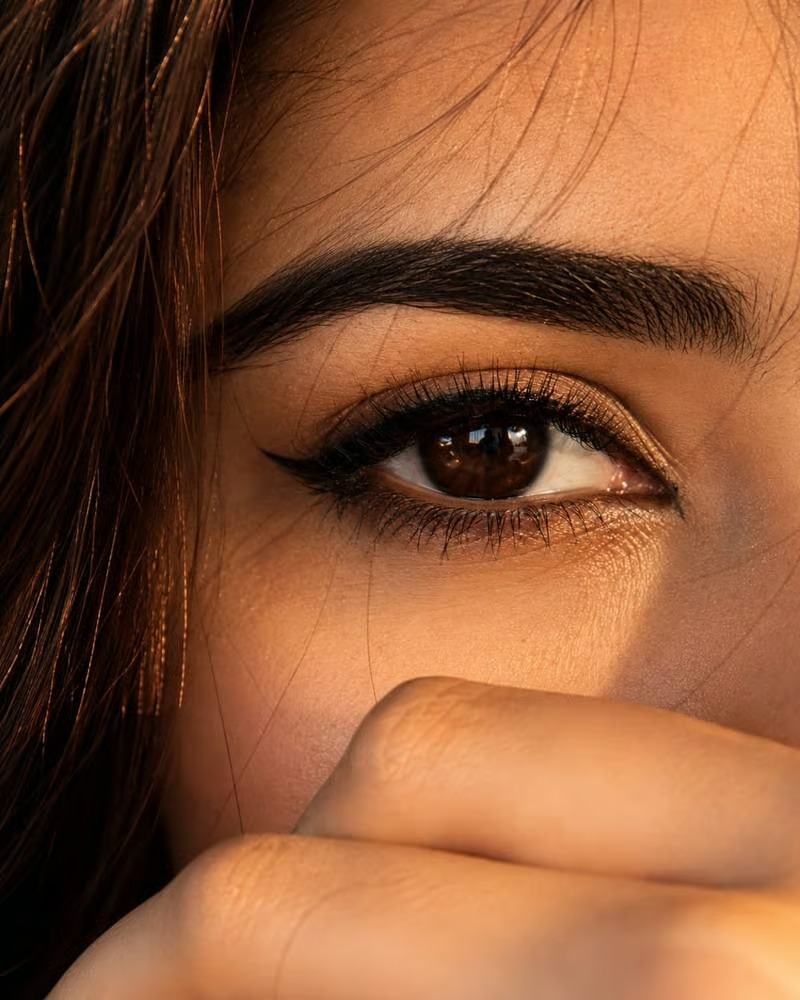
Unlike traditional portraits, a Cinematic Eyes View image is designed to recreate the feeling of seeing the world through someone's eyes. Combined with dramatic lighting, realistic depth, and professional camera effects, the final result looks like a still frame from a high-budget film.
The best part is that you no longer need expensive camera equipment or advanced editing software to achieve this look. With AI tools like ChatGPT, Google Gemini, and other AI image generators, you can create cinematic photography in just a few minutes using a detailed prompt.
Whether you're creating content for Instagram, YouTube, Facebook, Pinterest, or simply experimenting with creative photography, this prompt can help you produce realistic, movie-style images with very little effort.
What Is a Cinematic Eyes View Prompt?
A Cinematic Eyes View Prompt is a detailed instruction that tells an AI image generator to create a photo from an immersive first-person perspective. Instead of focusing only on the subject, the prompt carefully controls lighting, camera angle, composition, atmosphere, depth of field, and realistic photography details.
A well-written prompt can transform an ordinary image into a cinematic masterpiece by combining storytelling with professional photography techniques.
This style is especially popular because it makes viewers feel connected to the scene instead of simply looking at a picture.
Why Is This Photography Style Trending?
People are becoming more interested in realistic AI photography than heavily edited images.
Movie-inspired visuals naturally attract more attention because they create emotion and curiosity. A cinematic image often feels more authentic than a standard portrait, making it perfect for social media content.
Creators frequently use this editing style for:
- Instagram posts
- Reels cover photos
- YouTube thumbnails
- Pinterest boards
- Profile pictures
- Travel photography
- Lifestyle content
- Personal branding
The dramatic look helps images stand out in crowded social media feeds.
What Can This Prompt Create?
The Cinematic Eyes View Prompt can generate:
- Realistic movie-style portraits
- First-person perspective photography
- Dramatic cinematic lighting
- Professional DSLR camera effects
- Ultra-HD image quality
- Natural depth of field
- Storytelling compositions
- Realistic facial details
- Social media-ready visuals
- Premium cinematic color grading
These details work together to create images that look professionally photographed rather than AI-generated.
How to Use the Cinematic Eyes View Prompt?
Using the prompt is simple, even if you've never edited a photo before.
Step 1: Upload Your Image
Open ChatGPT, Google Gemini, or your preferred AI image editing platform and upload the image you want to transform.
Step 2: Copy the Prompt
Copy the complete Cinematic Eyes View Prompt.
Step 3: Paste the Prompt
Paste the prompt together with your uploaded image.
Step 4: Generate the Image
Allow the AI tool to analyze your photo and apply the cinematic effects.
Step 5: Download the Result
Once the image is ready, review the output and download the version that looks the most realistic.
Cinematic Eyes View Prompt
Use the prompt given below and upload your image to create a realistic cinematic photo with dramatic lighting, immersive perspective, professional camera effects, and movie-style color grading.


Why Are ChatGPT and Google Gemini Popular for AI Photo Editing?
Modern AI tools have made professional-quality photo editing accessible to everyone.
Instead of spending hours adjusting colors, shadows, and lighting manually, you can simply describe the style you want. A detailed prompt allows the AI to understand exactly how the final image should look.
Many creators now use ChatGPT and Google Gemini to create:
- Professional portraits
- Cinematic lifestyle photos
- AI-generated travel photography
- Social media profile pictures
- Creative storytelling images
- Marketing and branding visuals
The quality of the result depends largely on how detailed your prompt is.
Frequently Asked Questions
Are Cinematic Eyes View Prompts Free?
Yes. Most AI photo editing prompts are free to use. However, some AI image generation platforms may require a premium subscription for higher-resolution images and advanced editing features.
Can I Use This Prompt in ChatGPT?
Yes. ChatGPT supports AI image generation and editing features that allow you to create cinematic images using detailed prompts.
Can I Use This Prompt in Google Gemini?
Yes. Google Gemini can also generate and edit realistic cinematic photos using well-written AI prompts.
How Can I Make My AI Photos Look More Realistic?
Use a high-quality source image and include detailed instructions about lighting, camera angle, lens effects, skin texture, depth of field, and realistic color grading. The more specific your prompt is, the better the final result usually becomes.
Is This Prompt Good for Instagram and YouTube?
Absolutely. This prompt is ideal for Instagram posts, YouTube thumbnails, profile pictures, Pinterest content, and other social media platforms where cinematic visuals perform well.
Can Beginners Use This Prompt?
Yes. You don't need any editing experience. Simply upload your image, paste the prompt, and let the AI create a professional-looking cinematic photo.
Final Thoughts
The Cinematic Eyes View Prompt is a great choice for anyone who wants to create realistic, movie-inspired photos without using complex editing software. By combining immersive perspectives, dramatic lighting, and professional photography effects, this prompt helps transform ordinary images into visually striking cinematic artwork.
Whether you're building your personal brand, creating social media content, or experimenting with AI photography, this prompt makes it easy to produce stunning results using ChatGPT, Google Gemini, and other AI image generation tools.










Leave a Reply