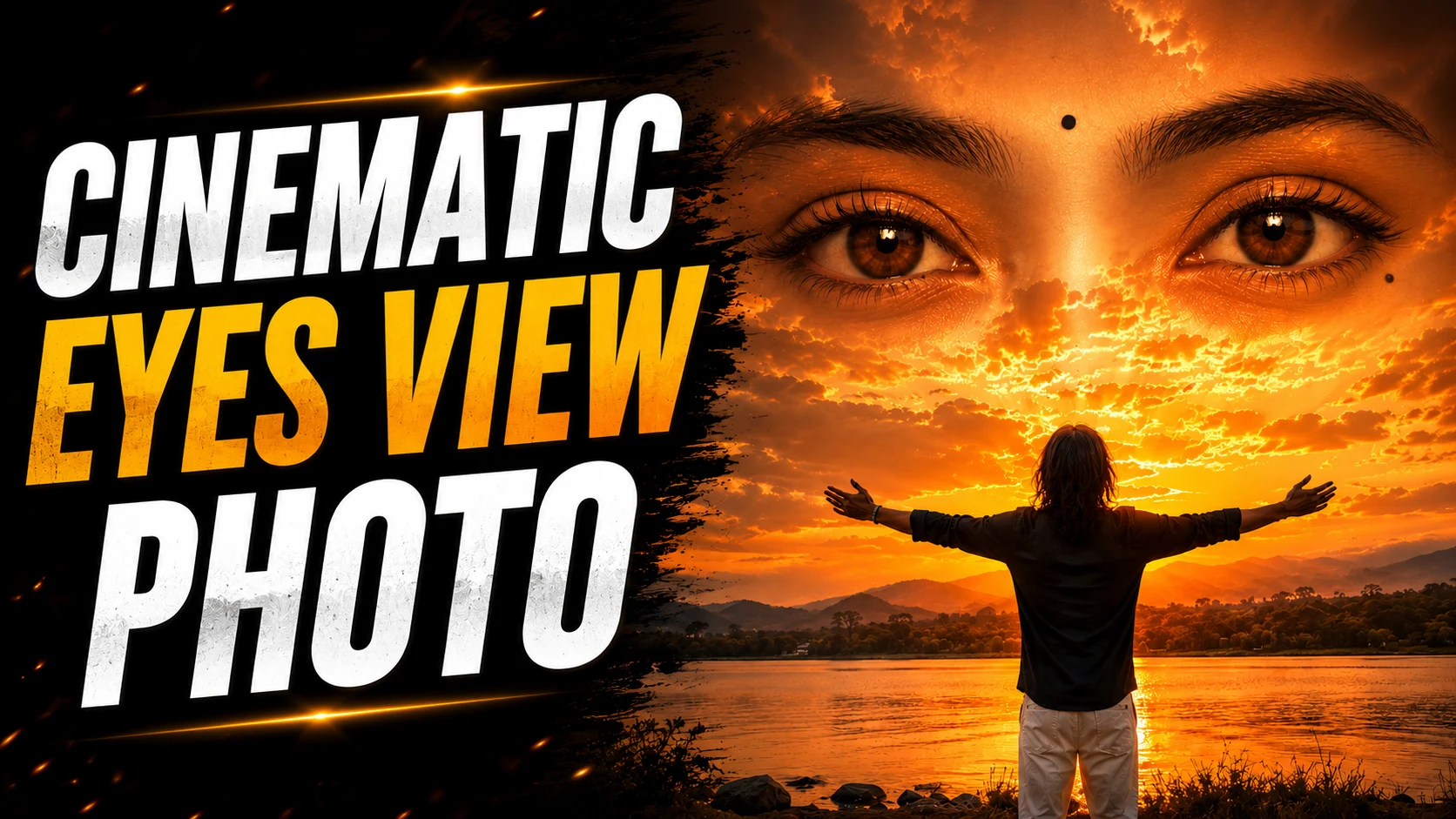
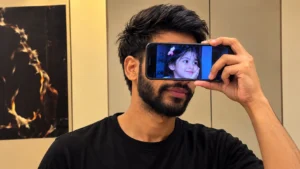
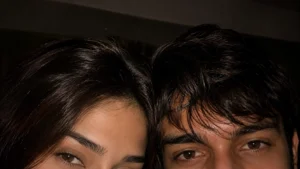
Photography trends keep changing every year, but some editing styles instantly capture attention. One such trend is the Cinematic Eyes View Photo style. This type of image focuses on creating a dramatic perspective where the viewer feels immersed in the scene, almost as if they are looking through someone's eyes.
Unlike traditional portraits, cinematic eyes view photos create a storytelling effect. The image feels emotional, realistic, and visually powerful at the same time. This is one of the reasons why this editing style has become popular on Instagram, Pinterest, Facebook, and other social media platforms.
Earlier, creating these images required professional cameras, advanced editing software, and years of photography experience. Today, things have become much easier. With AI-powered tools like ChatGPT, Google Gemini, and modern AI image generators, anyone can create cinematic photos using a detailed AI photo editing prompt.
Whether you're a content creator, social media enthusiast, student, or simply someone who enjoys experimenting with creative photography, this prompt can help you generate professional-looking images within minutes.
What Is a Cinematic Eyes View Photo?
A Cinematic Eyes View Photo is a photography style that creates an immersive and emotional perspective. Instead of focusing only on the person's face, the image tells a complete story.
This style often includes:
- Dramatic lighting
- Realistic depth of field
- Emotional atmosphere
- Cinematic color grading
- Professional photography composition
- Natural background blur
- High-detail textures
- Storytelling elements
The goal is to create an image that looks like a scene from a movie rather than a normal photograph.
Why Is This Editing Style Trending?
People are moving away from heavily edited photos that look artificial. Instead, they prefer realistic images that feel natural and authentic.
Cinematic photography has become popular because it creates emotions and captures attention instantly.
Many creators use this style for:
- Instagram posts
- Reels covers
- YouTube thumbnails
- Profile pictures
- Pinterest content
- Personal branding
- Social media campaigns
The movie-like appearance makes the image stand out from ordinary photos.
What Can This Prompt Create?
The Cinematic Eyes View Photo AI Prompt can help generate:
- Realistic cinematic portraits
- Emotional storytelling images
- Professional photography effects
- Movie-inspired visuals
- Ultra-HD images
- Social media-ready content
- Natural lighting effects
- Premium lifestyle portraits
- Dramatic compositions
- High-quality digital artwork
The final result often looks professionally captured rather than AI-generated.
How to Use This Prompt?
Using the prompt is simple and beginner-friendly.
Step 1: Upload Your Image
Open ChatGPT, Google Gemini, or your preferred AI image editing platform and upload your image.
Step 2: Copy the Prompt
Copy the complete Cinematic Eyes View Photo AI Prompt.
Step 3: Paste the Prompt
Paste the prompt together with your uploaded image.
Step 4: Generate the Image
Allow the AI tool to process the prompt and create the edited version.
Step 5: Download the Result
Review the image and download the version you prefer.
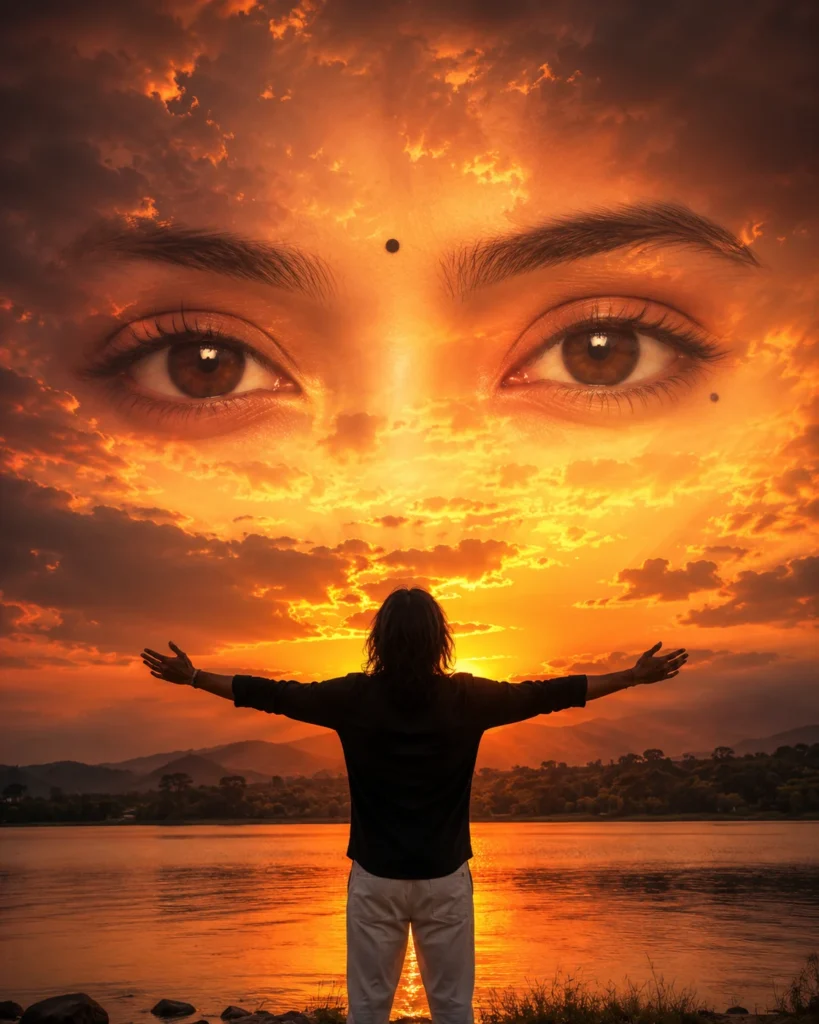
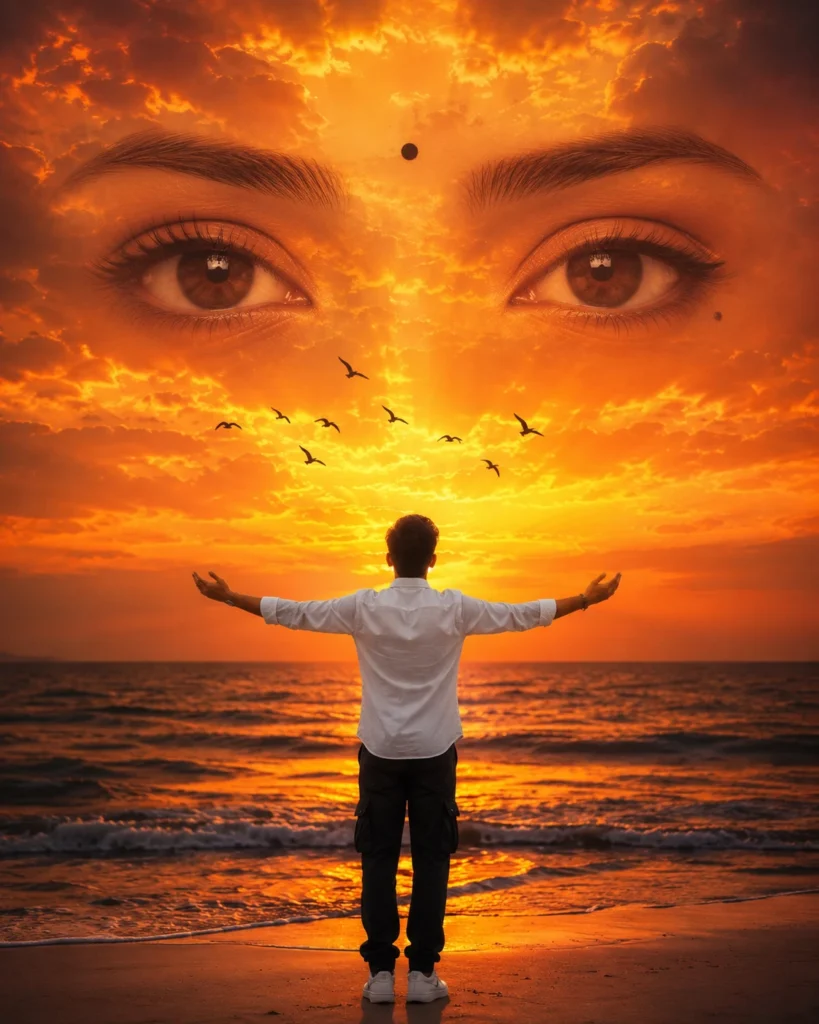
Cinematic Eyes View Photo AI Prompt
Use the prompt given below and upload your image to generate a realistic cinematic portrait with dramatic lighting, emotional storytelling, and professional photography effects.
Why Are ChatGPT and Google Gemini Popular for AI Photo Editing?
AI tools have made photo editing much easier than before.
Instead of spending hours manually adjusting lighting, colors, and backgrounds, users can simply describe the desired result.
Many creators now use ChatGPT and Google Gemini to create:
- Professional headshots
- Cinematic portraits
- Social media profile pictures
- AI lifestyle photos
- Personal branding content
- Marketing visuals
The quality of the final image largely depends on how detailed the prompt is.
Frequently Asked Questions
Are AI Photo Editing Prompts Free?
Yes. Most AI photo editing prompts are free to use. Some AI image generation platforms may require a premium subscription for higher-resolution outputs and advanced editing features.
Can I Use This Prompt in ChatGPT?
Yes. ChatGPT supports AI image generation and image editing features that allow users to create cinematic portraits using detailed prompts.
Can I Use This Prompt in Google Gemini?
Yes. Google Gemini can also generate realistic cinematic images using detailed AI prompts.
Is This Prompt Good for Instagram?
Absolutely. This editing style is perfect for Instagram posts, reels covers, profile pictures, and social media content.
How Do I Make AI Photos Look More Realistic?
Use high-quality source images and detailed prompts that include lighting, camera angle, depth of field, realistic textures, and natural colors.
Can Beginners Use This Prompt?
Yes. AI photo editing prompts are designed for everyone. Simply upload your image, paste the prompt, and let the AI generate the final result.
Final Thoughts
The Cinematic Eyes View Photo trend is becoming increasingly popular because it combines storytelling with realistic photography. Instead of creating ordinary images, this style helps generate photos that feel emotional, professional, and visually engaging.
Whether you're creating content for Instagram, YouTube, Facebook, Pinterest, or personal projects, this prompt can help you create stunning cinematic visuals in just a few minutes using ChatGPT, Google Gemini, and other AI image generation tools.





Leave a Reply