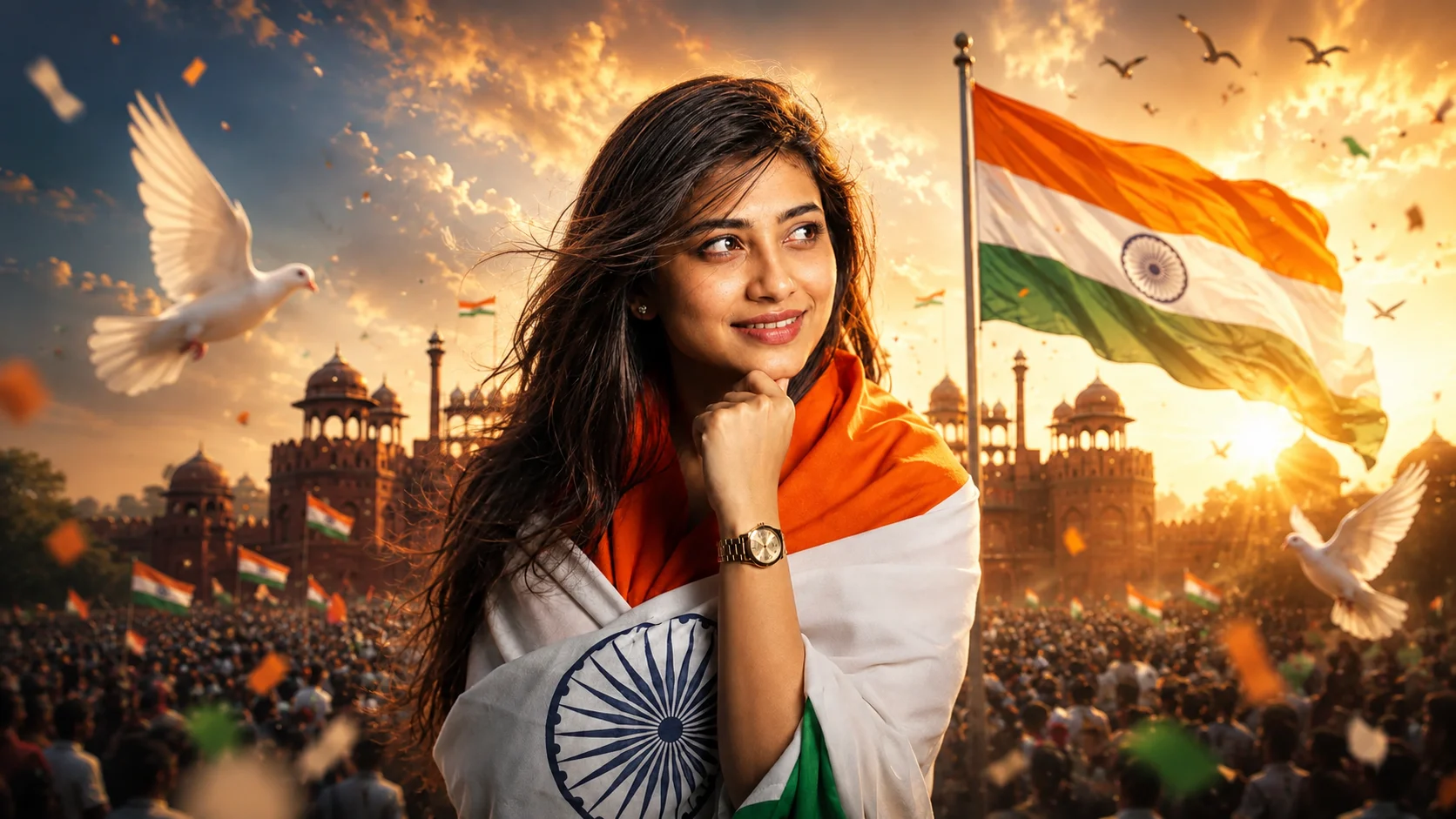
Every year on 15 August, people celebrate Independence Day by sharing patriotic photos on Instagram, WhatsApp, and Facebook. Some hold the Indian flag, while others visit famous places like India Gate or decorate their profile pictures with the tricolour.
This year, a new trend is getting everyone's attention the Independence Day AI Photo. In this style, you appear standing proudly in front of India Gate with the Indian flag waving behind you. The golden sunrise, flying pigeons, festive crowd, and tricolour colors make the photo look like it was captured during a real Independence Day celebration.
The good news is that you don't need to travel to Delhi or hire a photographer. With your own picture and the right AI prompt, you can create this patriotic portrait using ChatGPT or Google Gemini.
What is the Independence Day AI Photo Trend?
The Independence Day AI Trend is a photo editing style that transforms your ordinary picture into a beautiful patriotic portrait.
The scene usually includes the Indian National Flag, India Gate, warm sunrise lighting, festive decorations, flower petals, and a joyful Independence Day atmosphere. The focus is on creating a realistic celebration while keeping your face natural.
The final image looks like it was taken during a real 15 August event.
Why Is This Trend Becoming Popular?
Independence Day comes only once every year, and many people like sharing something special on social media.
Instead of using simple flag stickers or filters, this AI trend creates a complete patriotic scene. It gives your photo a professional look while celebrating the spirit of the nation.
That's why students, creators, families, and social media users are trying this trend before 15 August.
How to Create an Independence Day AI Photo
Creating this patriotic portrait is easy.
Method 1: Using ChatGPT
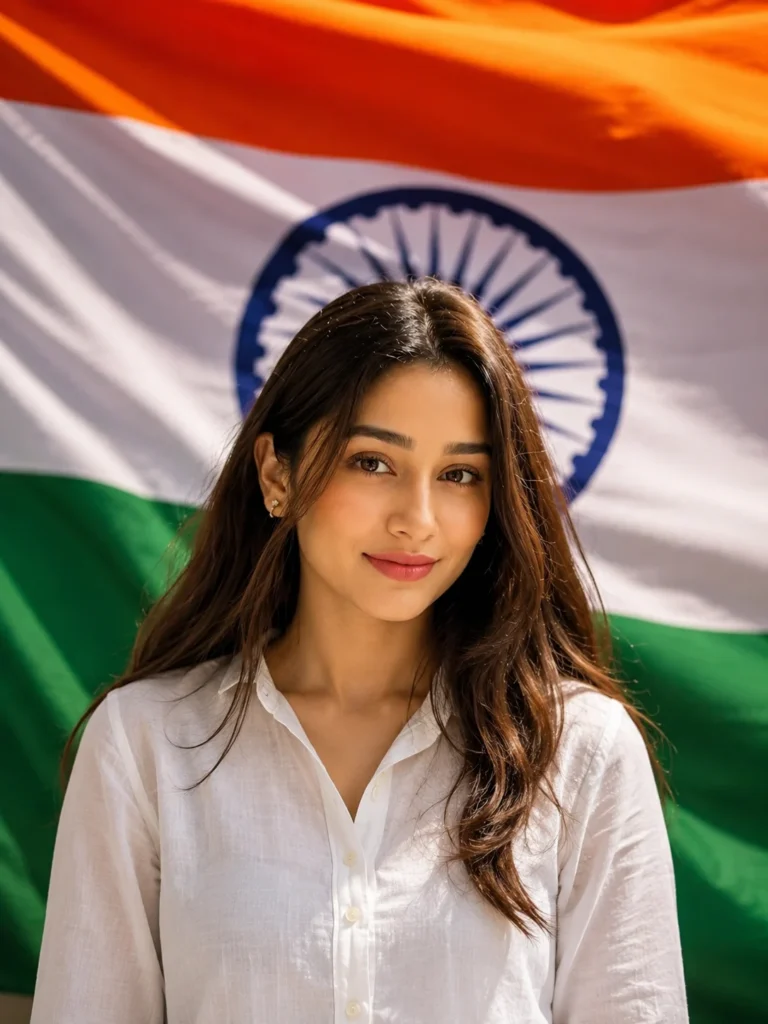
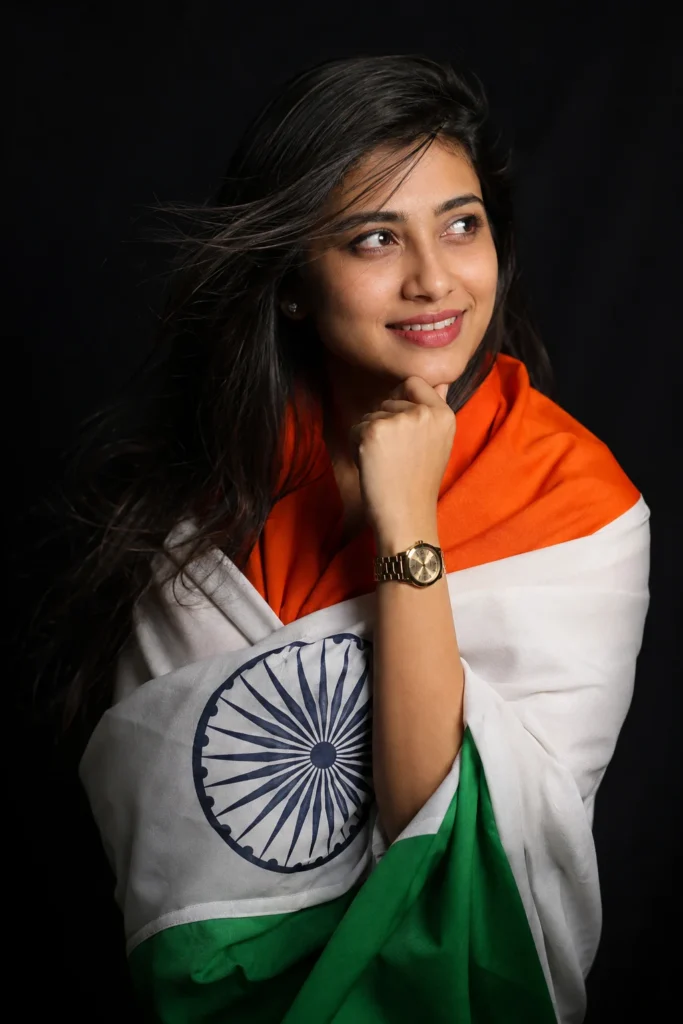
Upload a clear portrait where your face is visible. Then paste the prompt below and ask ChatGPT to recreate the Independence Day scene while keeping your identity unchanged.
Method 2: Using Google Gemini
You can also use Google Gemini.
Upload your original photo, paste the same prompt, and generate a realistic Independence Day portrait in just a few moments.
For better results, use a clear photo with natural lighting.
Independence Day AI Photo Prompt
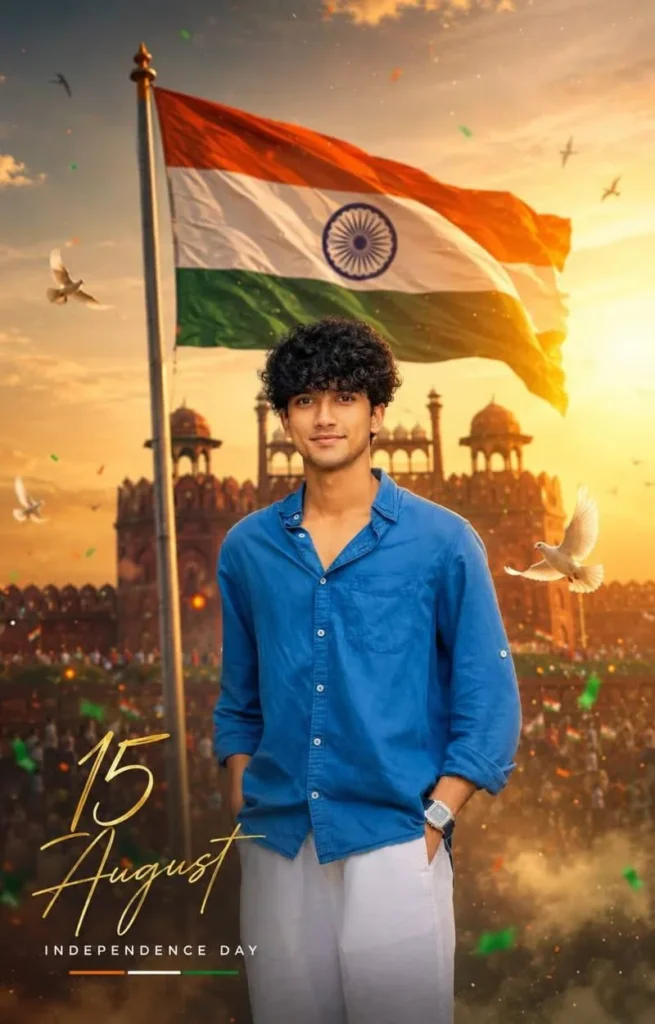
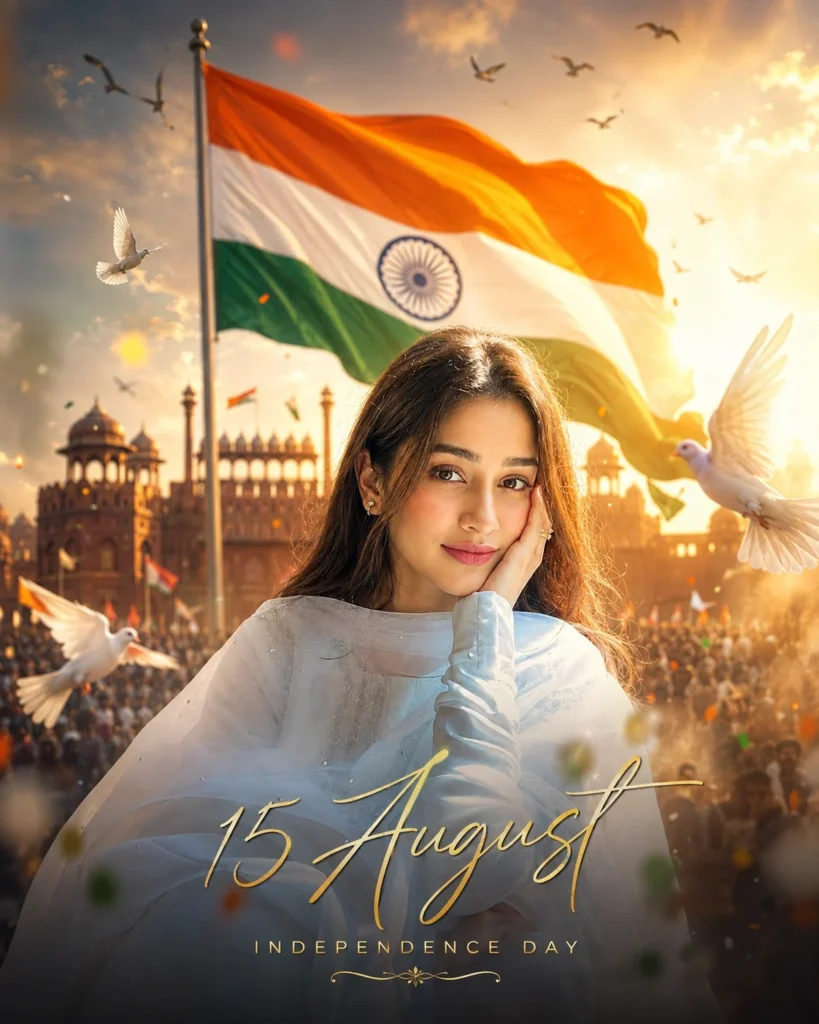
✨ AI PROMPTCreate an award-winning ultra-realistic 8K Independence Day cinematic poster using the uploaded photo as the exact facial reference. Preserve the person's identity with high accuracy, including facial structure, hairstyle, beard, expression, clothing, and natural skin tone. Position the subject prominently in the foreground with a confident, inspiring stance. In the background, feature a majestic Indian National Flag illuminated by warm golden sunrise light, with a softly blurred scene inspired by the Red Fort and Independence Day celebrations. Enhance the atmosphere with cinematic fog, floating tricolor-colored dust particles, soft golden bokeh, graceful white doves, birds flying across the sky, subtle patriotic crowd silhouettes, realistic sun rays, light smoke, and refined cinematic lens flare. Use premium editorial color grading with HDR, realistic skin texture, crisp facial details, natural lighting, soft rim lighting, cinematic depth of field, dramatic yet balanced contrast, and ultra-sharp DSLR realism. Add elegant typography: • "15 August" in luxurious handwritten gold script. • "INDEPENDENCE DAY" in clean, minimal uppercase beneath it. Style: premium editorial poster, luxury magazine cover aesthetic, Instagram 4:5 aspect ratio, photorealistic, masterpiece quality, ultra-detailed, Canon EOS R5, RF 85mm f/1.2L lens, 8K UHD, cinematic composition, true-to-life colors, premium Independence Day celebration artwork.
Small Details Make the Photo Feel Real
A patriotic photo looks best when it feels natural.
The flag should wave realistically in the background without covering the face. The sunrise should create a warm glow instead of making the image too bright. Small details like birds flying, flower petals, and a soft crowd in the distance make the celebration feel more authentic.
Keeping your natural smile also makes the portrait more meaningful.
Can Boys and Girls Both Use This Prompt?
Yes.
This prompt works for everyone. Girls can wear a saree, salwar suit, or kurti, while boys can choose a kurta, Nehru jacket, or even a simple white shirt.
You can also customize the location by replacing India Gate with the Red Fort or another patriotic landmark if you prefer.
Where Can You Use This AI Photo?
The vertical version is perfect for WhatsApp Status, Instagram Stories, Facebook Stories, and Reels. You can also use it as your Independence Day profile picture, greeting post, or wallpaper.
Many people also share these portraits with patriotic wishes on 15 August.
Final Words
The Independence Day AI Photo is a beautiful way to celebrate the nation's pride through creativity. Instead of using ordinary filters, you can create a realistic patriotic portrait with the Indian flag, golden sunrise, and iconic landmarks.
With a clear reference photo and the right prompt, you can create a memorable Independence Day picture that looks festive, elegant, and natural.
Frequently Asked Questions
What is the Independence Day AI Photo Trend?
It is an AI editing style that creates a patriotic portrait with the Indian flag, India Gate, and Independence Day celebration.
Can I use my own photo?
Yes. Simply upload a clear portrait, and AI will preserve your face while creating the new patriotic background.
Can I create this image using ChatGPT?
Yes. Upload your photo, paste the prompt, and ChatGPT can generate the Independence Day portrait.
Does the prompt work with Google Gemini?
Yes. You can also use the same prompt with Google Gemini to create a similar image.
Can I change the outfit?
Yes. You can choose a saree, kurta, salwar suit, white shirt, or any traditional outfit that matches the Independence Day celebration.
Where can I use this photo?
You can use it on Instagram, WhatsApp, Facebook, X, profile pictures, greeting posts, wallpapers, and Independence Day social media celebrations.


Leave a Reply